Configure
3.13.5 Connect Mode
Connect Mode defines how the unit makes a connection, and how it reacts to incoming connections over the
network. Enter Connect Mode options in hexadecimal notation.
Note: If you do not want to convert the binary numbers to hexadecimals yourself, look up the values in the Tech Notes
guide.
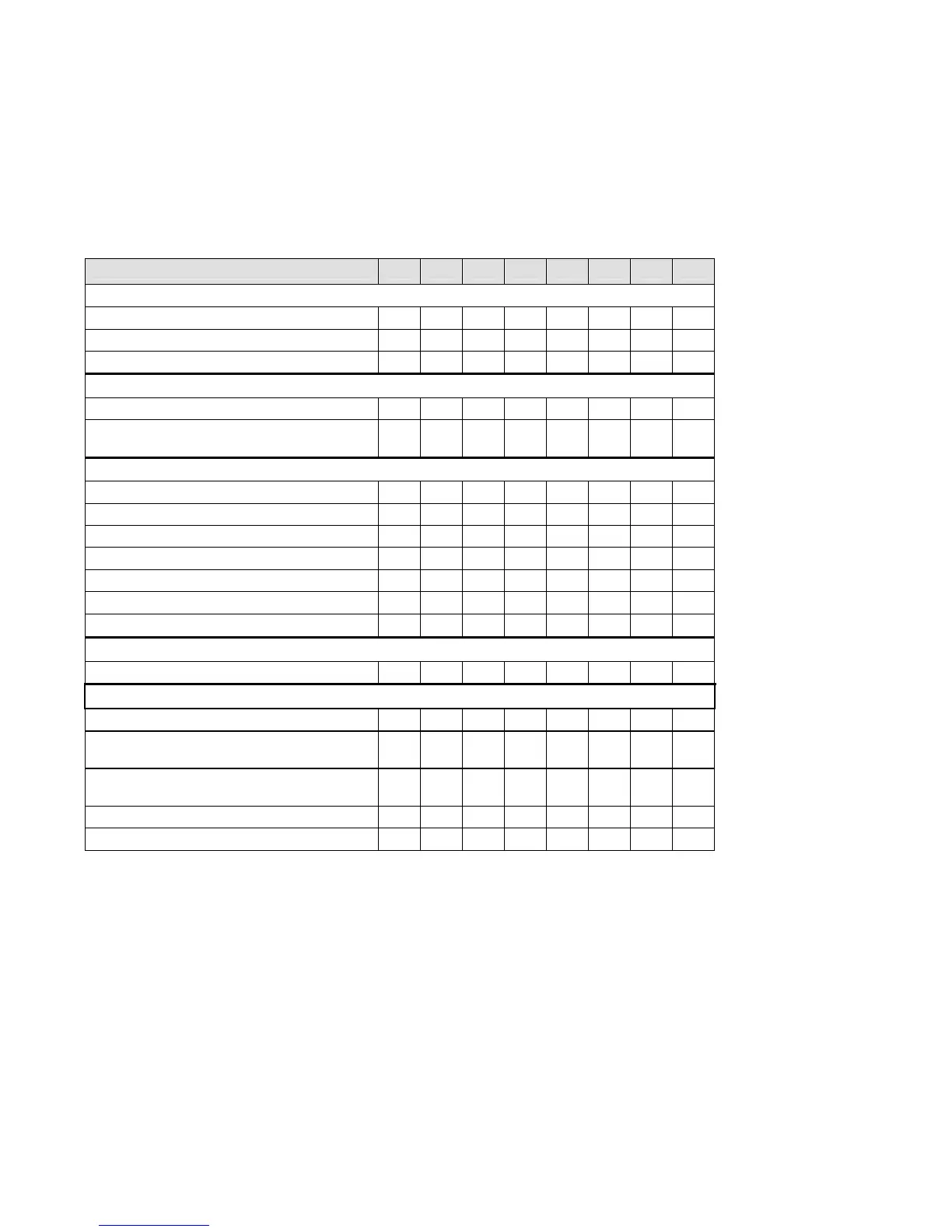
Table 11 - Connect Mode Options
Connect Mode Option 7 6 5 4 3 2 1 0
Incoming Connection
Never accept incoming 0 0 0
Accept with DTR Active 0 1 0
Always Accept 1 1 0
Response
Nothing (quiet) 0
Character response (C=connect,
D=disconnect, N=unreachable)
1
Active Startup
No active startup 0 0 0 0
With any character 0 0 0 1
With DTR Active 0 0 1 0
With a specific start character 0 0 1 1
Manual connection 0 1 0 0
Autostart 0 1 0 1
Hostlist 0 0 1 0
Datagram Type
Directed UDP 1 1 0 0
Modem Mode
No Echo 0 0 1 1
Data Echo and Modem Response
(Numeric)
0 1 1 1 1
Data Echo and Modem Response
(Verbose)
0 1 1 1 0
Modem Response Only (Numeric) 0 0 1 1 1 1
Modem Response Only (Verbose) 0 0 1 1 1 0
3-22 NET232/NETUSB User Guide



 To Next Page