Configure
3.13.9 Remote IP Address
This is the destination IP address used with an outgoing connection.
Note: This option does not display when Hostlist is enabled from the ConnectMode prompt.
3.13.10 Remote Port
The remote TCP port number must be set for the unit to make outgoing connections. This parameter defines
the port number on the target host to which a connection is attempted.
To connect an ASCII terminal to a host using the unit for login purposes, use the remote port number 23
(Internet standard port number for Telnet services).
Note: This option does not display when Hostlist is enabled from the ConnectMode prompt.
3.13.11 DisConnMode
This setting determines the conditions under which the unit will cause a network connection to terminate.
Note: In DisConnMode (Disconnect Mode), DTR drop either drops the connection or is ignored.
Note: DTR is not factory enabled. It must be enabled with the Configurable Pins option.
Note: There is no State LED on the NET232.
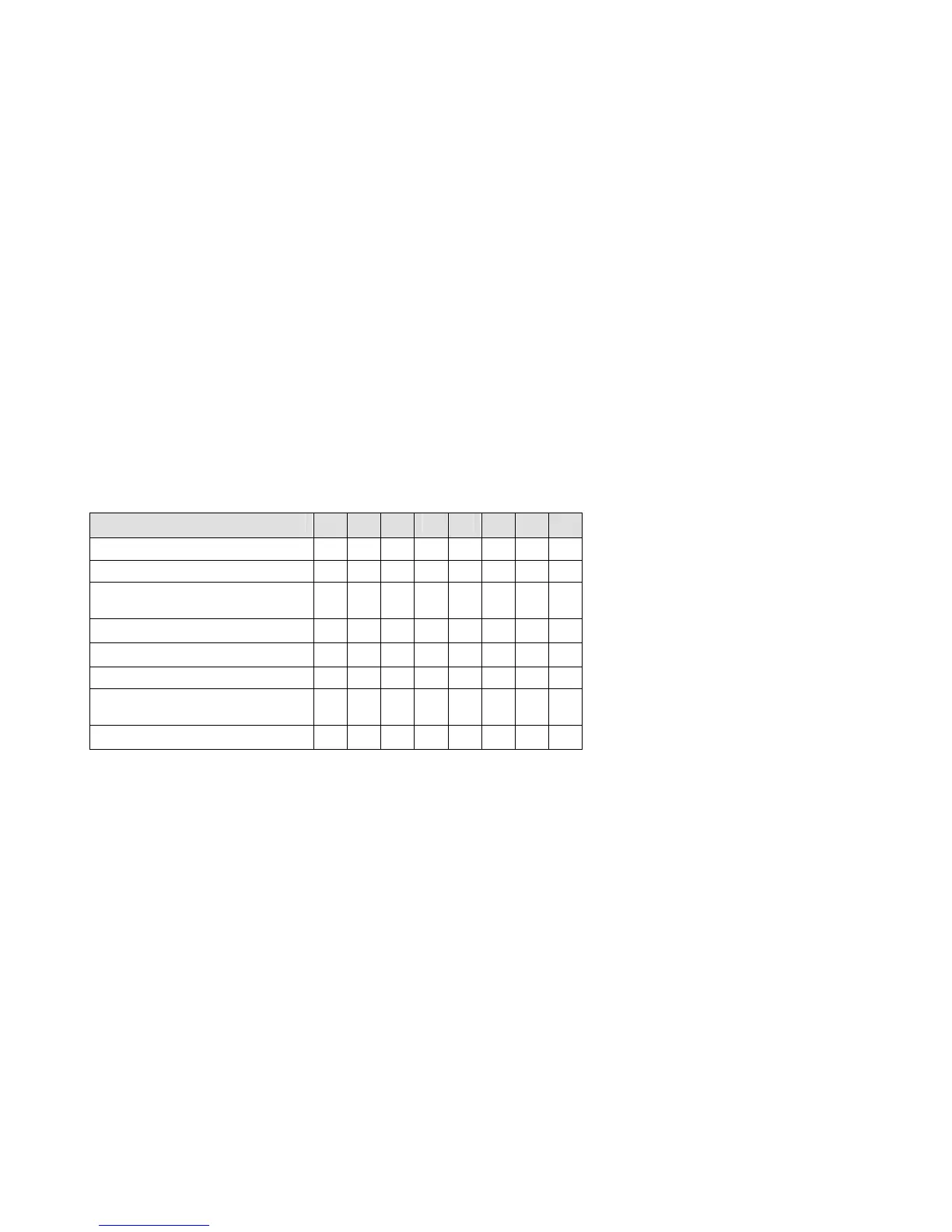
Table 14 - Disconnect Mode Options
Disconnect Mode Option 7 6 5 4 3 2 1 0
Disconnect with DTR drop
(6)
1
Ignore DTR 0
Telnet mode and terminal
type setup
(1)
1
Channel (port) password
(2)
1
Hard disconnect
(3)
0
Disable hard disconnect 1
State LED off with connection
(4)
1
Disconnect with EOT (^D)
(5)
1
1. The NET232 will send the "Terminal Type" upon an outgoing connection.
2. A password is required for a connection to the serial port from the network.
3. The TCP connection will close even if the remote site does not acknowledge the disconnection.
4. When there is a network connection to or from the serial port, the state LED will turn off instead of blink.
5. When Ctrl+D or Hex 04 is detected, the connection is dropped. Both Telnet mode and Disconnect with EOT must be enabled for Disconnect with
EOT to function properly. Ctrl+D will only be detected going from the serial port to the network.
6. When DTR transitions from a high state to a low state, then the network connection to or from the serial port will drop.
3-28 NET232/NETUSB User Guide



 To Next Page