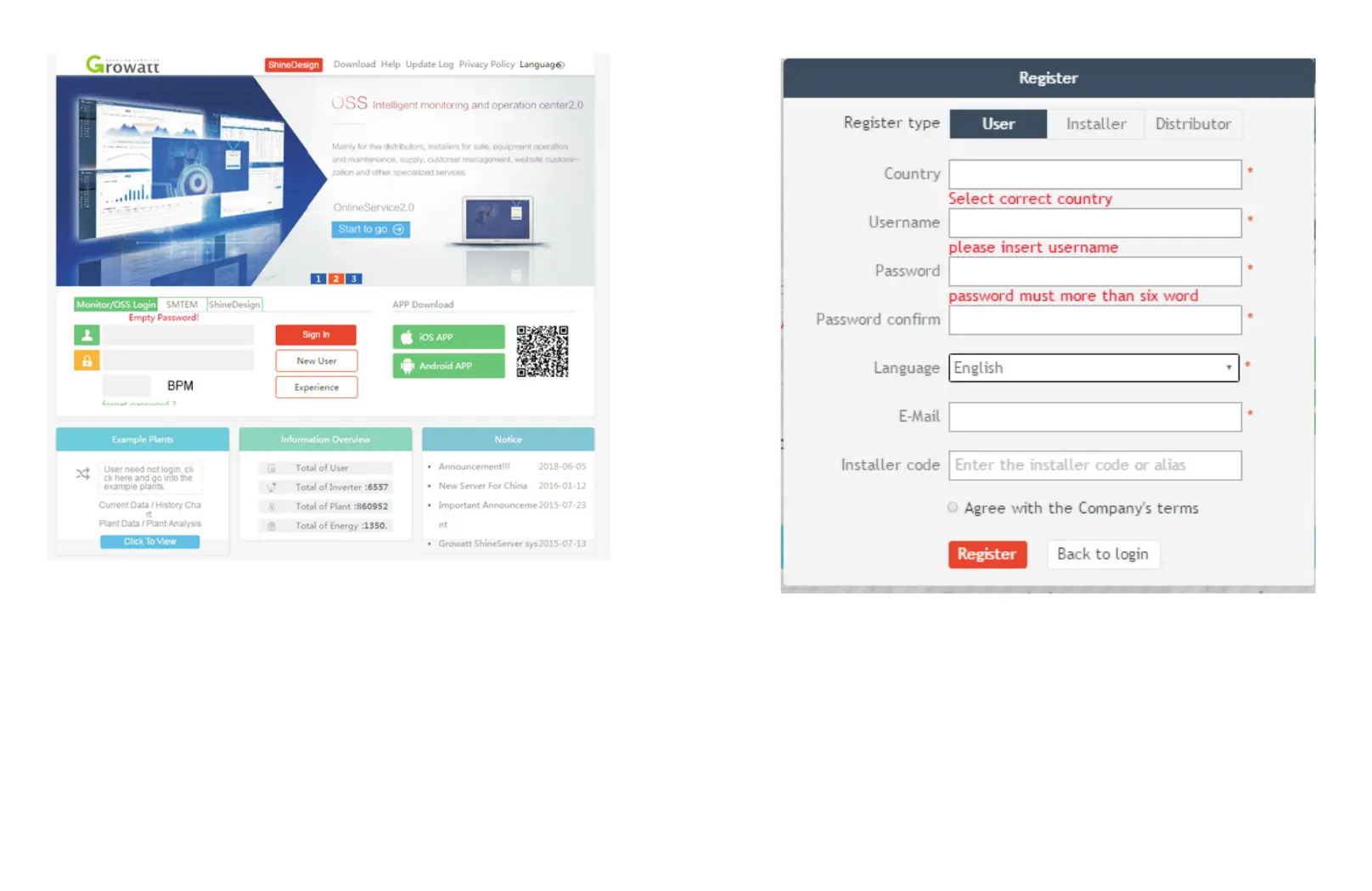
Figure 5-1 Shine Server login page
(2) Register the user name and input the user information according to the pop-up. After
the information is completed, click “Register”.
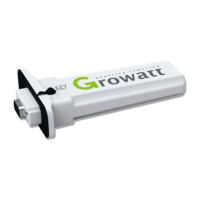
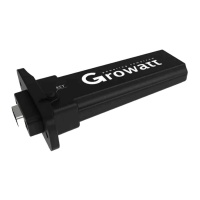
Note: “ShineMaster serial number” and “datalogger check code” can be found on the
package box.
Fig 5-2
5.2 Monitoring data
(1) After the registration is completed, it will automatically skip to the ShineServer main
interface. Click "plant" → "plant data" , and the displayed information is the total power
chart of the plant on the day. The drop-down list “Select collector” can be used to view
the daily power chart of a single inverter in the power station.
22 23



 To Next Page