4.3 ShineMaster Status
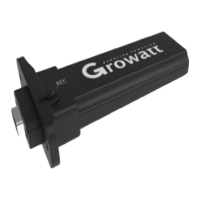
Click the ShineMaster datalogger Status to view information such as the “System Status
Information”, “Serial Number”, “Server Address”, “Number of Connected Devices”,
etc. of the ShineMaster
4.4 ShineMaster Datalogger management
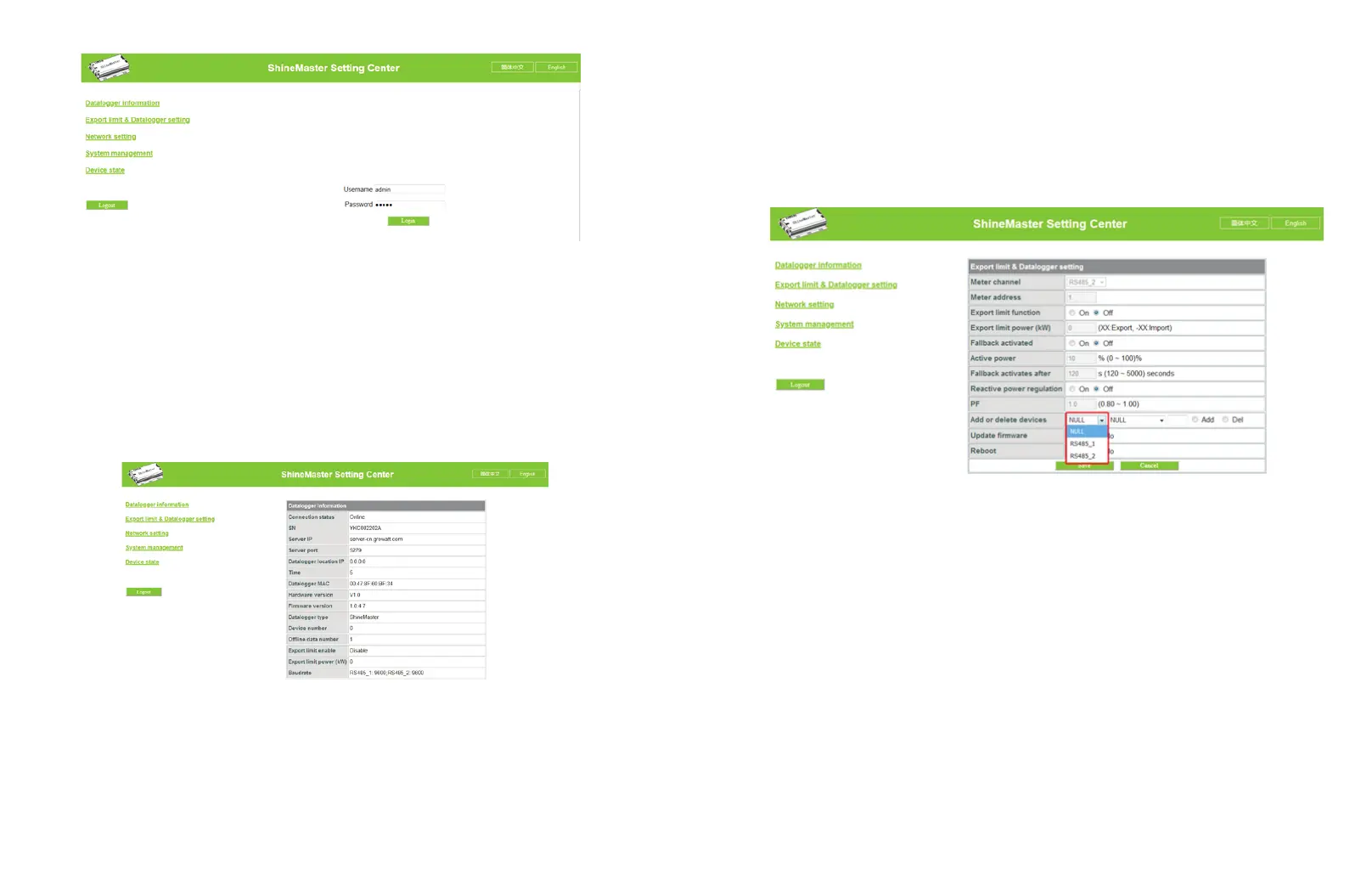
Devices should be added in ‘ShineMaster datalogger setting’ interface in internal page
prior to monitoring
4.4.1 Add device
(1) Before ShineMaster monitors photovoltaic equipment, it is necessary to enter the
“ShineMaster Data Collector Settings” page of the internal page to add devices.
(2) In the second pull-down list, select the type of monitored device
12 13
Device types parameter information
INVERTER GROWATT Inverter PCS、HPS、MAX、MIN、MTLP_US、SPC3000
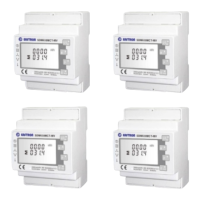
SDM120 SDM Single phase meter
SDM630 SDM Three phase meter
WeaterStation WeaterStation
CHNT_DDSU CHNT Single phase meter
CHNT_DTSU CHNT Three phase meter
:
: : ;
: ;
: ;
: ;
: ;
: .
Fig 4-1
2.Enter the user name and password, the default login user name: admin password:
admin, fill in and click on login to enter the Growatt ShineMaster system page.
Fig 4-2
Fig 4-3



 To Next Page