Seen – Seen A
5
SEEN - SEEN A
PRESENTATION OF THE TELEPHONE
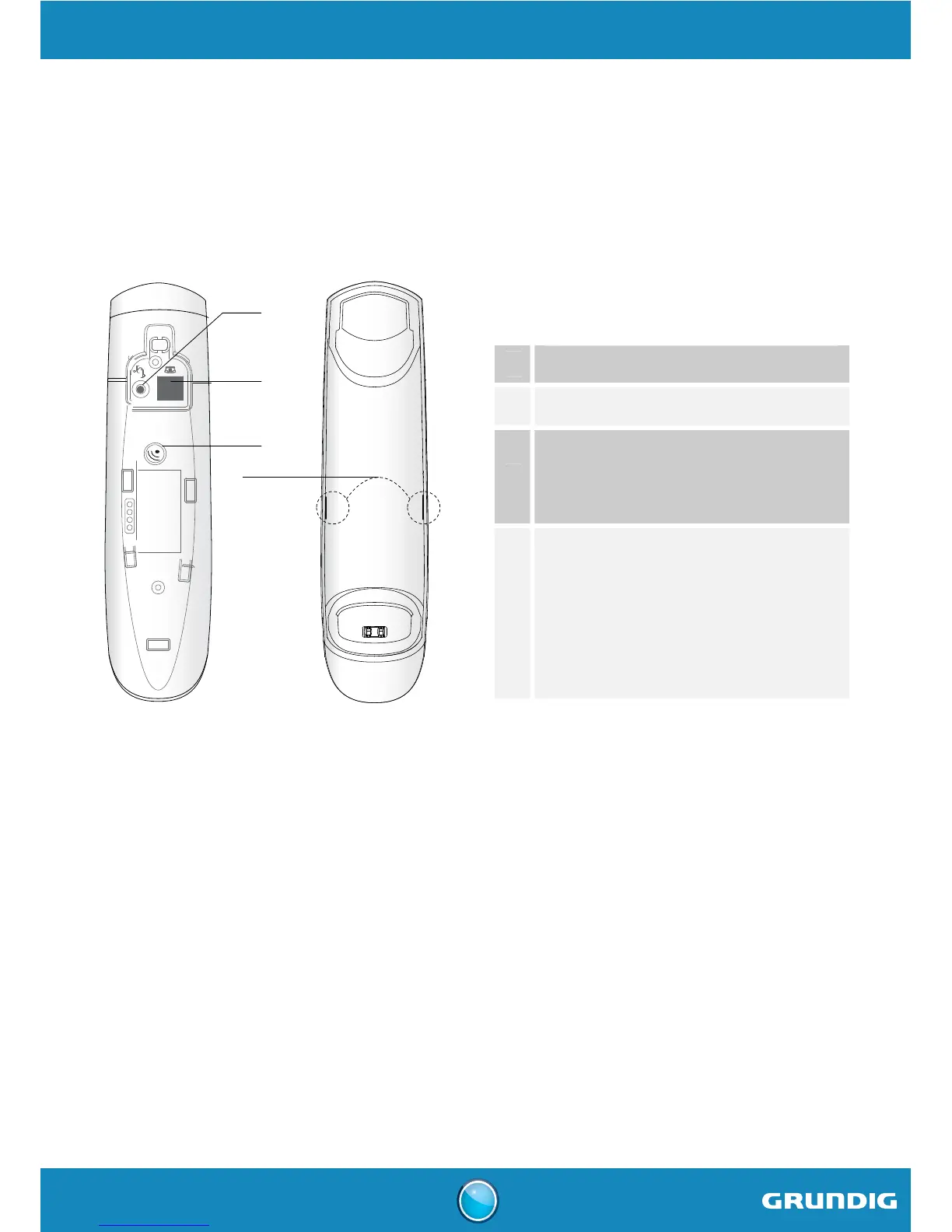
The base
1
2
3
4
1
Power socket
2
Telephone socket
3
Paging button
- Short press: find handset (Paging).
- Long press: handset pairing mode.
4
Indicator light
- Fixed: communication in progress /
Answer machine on.
- Flashing: base paring mode /
find handset (paging) /
new message(s) on your voicemail /
access to answer machine.



 To Next Page