8
SEEN - SEEN A
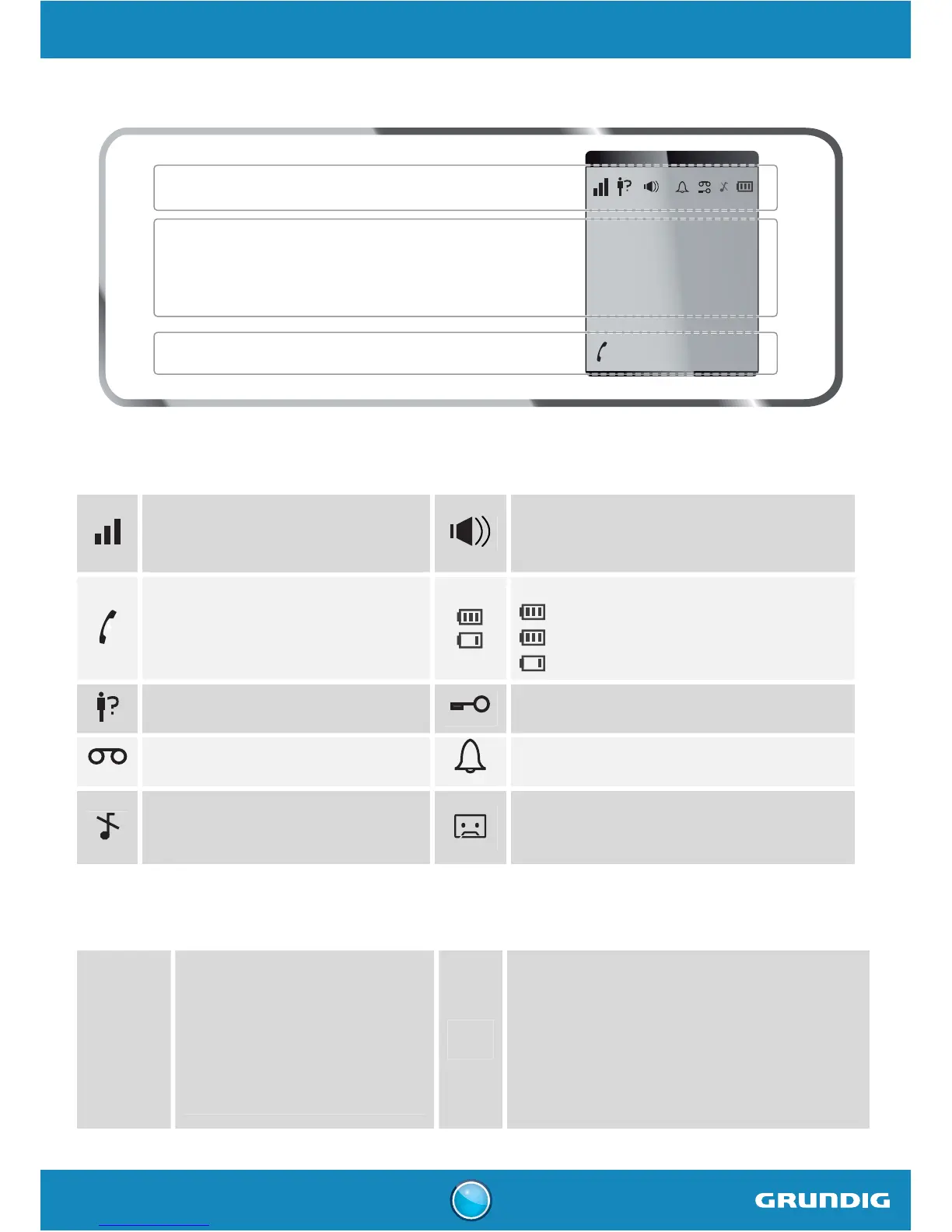
Handset display
123456789012
ABCDEFGHIJKL
Status icons
Status icons
Information field
Status icons
Flashes when the handset is out of
range or when the base is
disconnected from power.
Hands-free activated
External call
Charging status icon
Fixed: battery is full
Blinks: charging in progress
Fixed: battery is low
Missed call
Keypad locked
New voice messages
Alarm set
Silent mode activated
On: answering machine activated.
Blinks: new message(s) on your answering
machine.
Information field
ABC...
In standby:
the name and the number of the
handset
In the menu:
the name of the menu /
of the function
88..
In standby:
date and time
During a call:
- the caller's number
- the duration of the call



 To Next Page