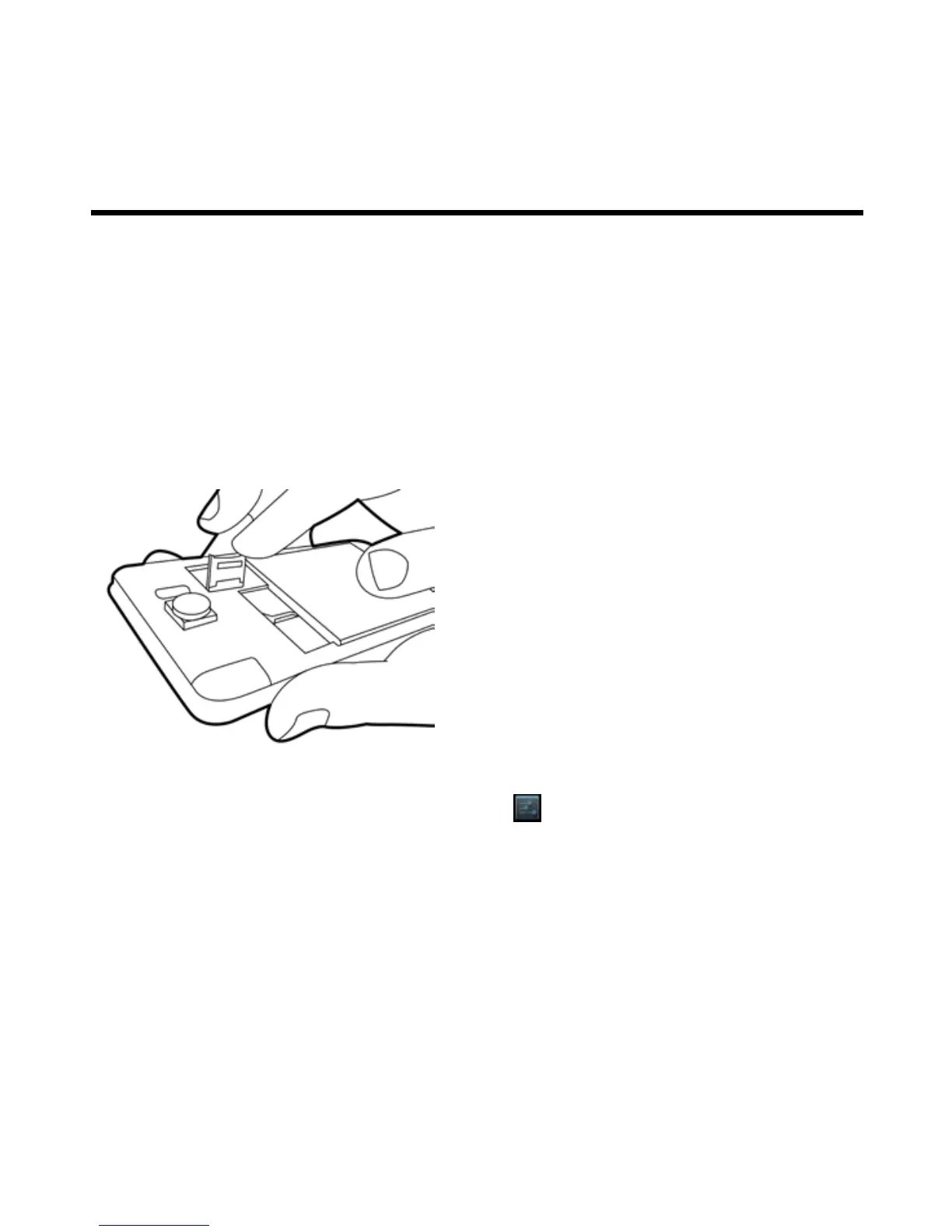
To remove the battery
Use your fingertip to lift the battery, and then remove it.
NOTE:
• To ensure battery performance and avoid risk from fire.
• Use only the original battery designated for the phone.
• Do not store the battery in temperature lower than -10ºC or higher than 45ºC.
To install the memory card
1. Slide the memory card socket cover toward left of the phone and lift it.
2. Put the memory card with the gold contact facing down.
3. Slide the memory card socket cover toward right of the phone.
To remove the memory card
1. For safe removal, tap Application Drawer > APPS tab > > Storage > Unmount SD card.
2. Slide the memory card socket cover toward left of the phone and lift it.
3. Take out the memory card.
4. Slide the memory card socket cover toward right of the phone.



 To Next Page