Ending a call
Tap End icon to end a call.
2.2 Video Calls
To make a video call from Phone
1. Go to the Phone screen.
2. Use the keypad to input phone number.
3. Then tap to make the video call.
To make a video call from People
1. Tap Application Drawer > APPS tab > .
2. On tab, tap a contact into information screen.
3. Tap to make the video call.
Ending a video call
Tap End icon to end a video call.
To manage other video call features
When you are having a video call conversation
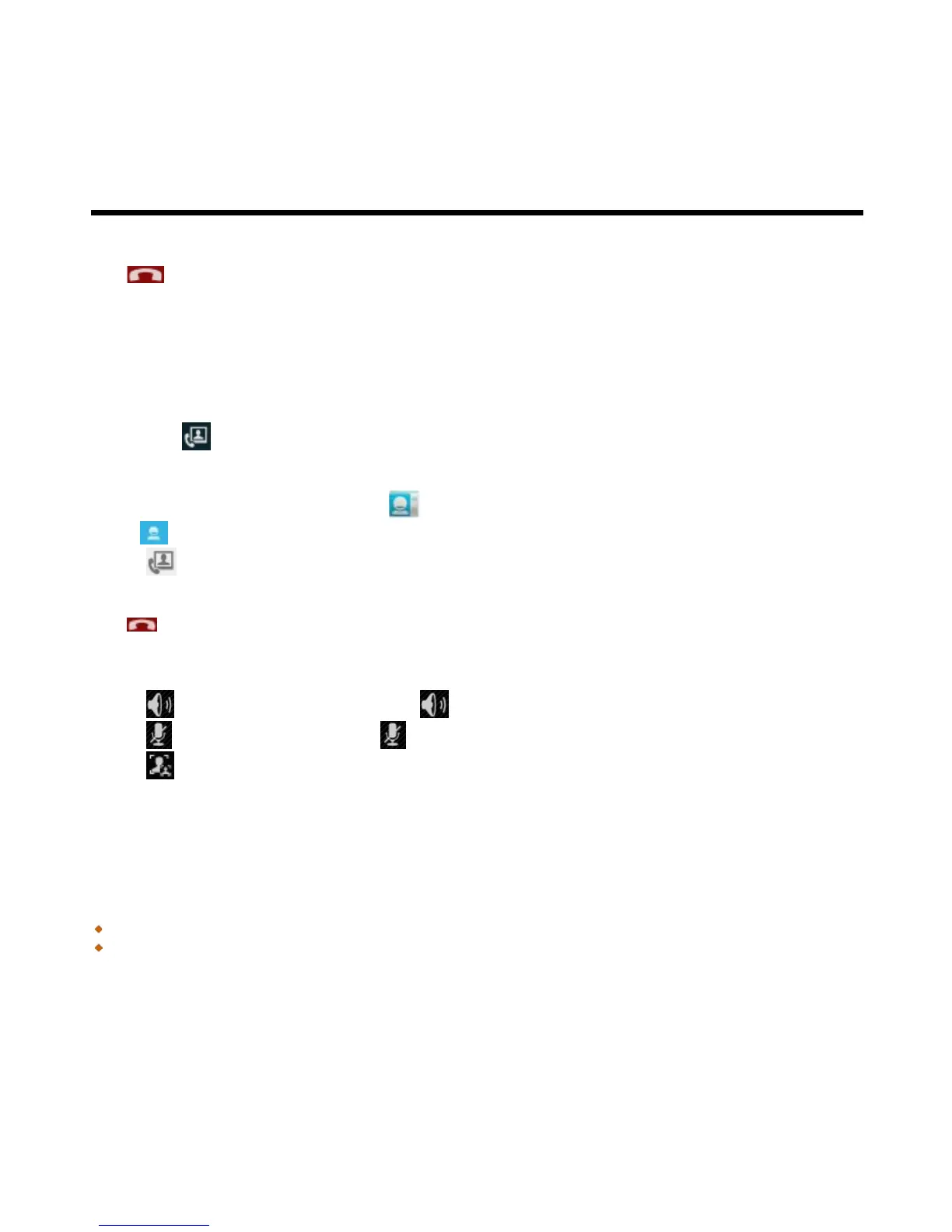
• Tap to activate speakerphone, or tap again to cancel it.
• Tap to mute microphone, or tap again to un-mute it.
• Tap to switch the video windows.
2.3 Using On-Screen Keyboard
On-screen keyboard appears in portrait mode when an application requires text input, such as messaging
and writing e-mails. The keyboard input method is activated by the default settings.
Using on-screen keyboard
Use the keys on the on-screen keyboard.
Tap the keys to enter the characters.



 To Next Page