5.3 Music
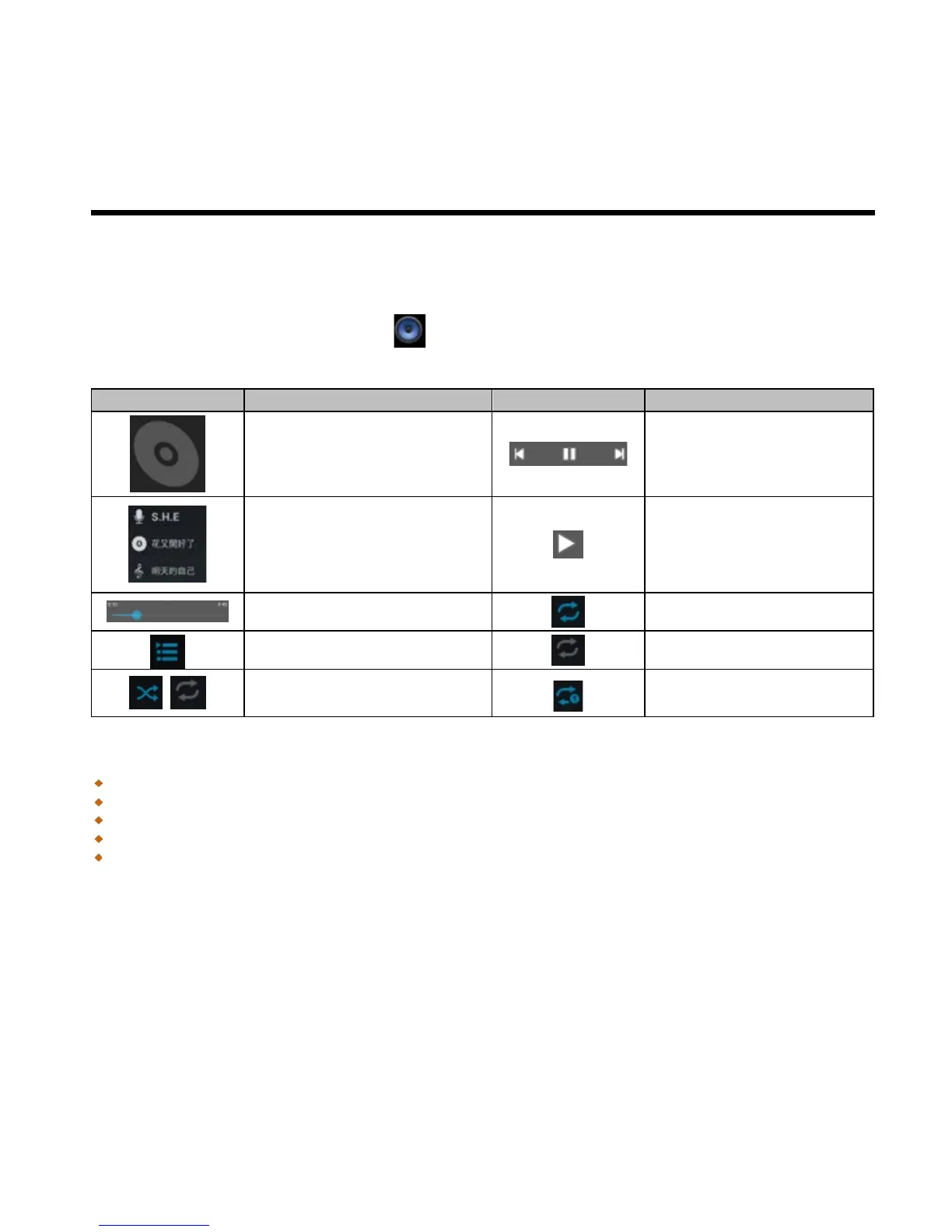
To play music
1. Tap Application Drawer > APPS tab > .
2. Tap Songs, and all songs on the phone will be displayed.
3. Tap to select a song, and then it will play automatically.
To repeat the current song
Changing Playback options
While playing music, tap Menu button on the bottom of screen.
Tap “Library” to see all playlists.
Tap “Party shuffle” to play all songs in shuffle order.
Tap “Add to playlist” to add the song.
Tap “Use as ringtone” to set up your personal ringtone.
Tap “Delete” to delete the song which is playing.
To edit music
You could set up effects, tap Menu > Sound effects.
1. Drag or tap Equalizer to turn it on.
2. Tap arrow to show different effect list
3. Tap to select an effect you want .Items will be adjusted automatically.
4. Tap arrow to show different preset reverb list.



 To Next Page