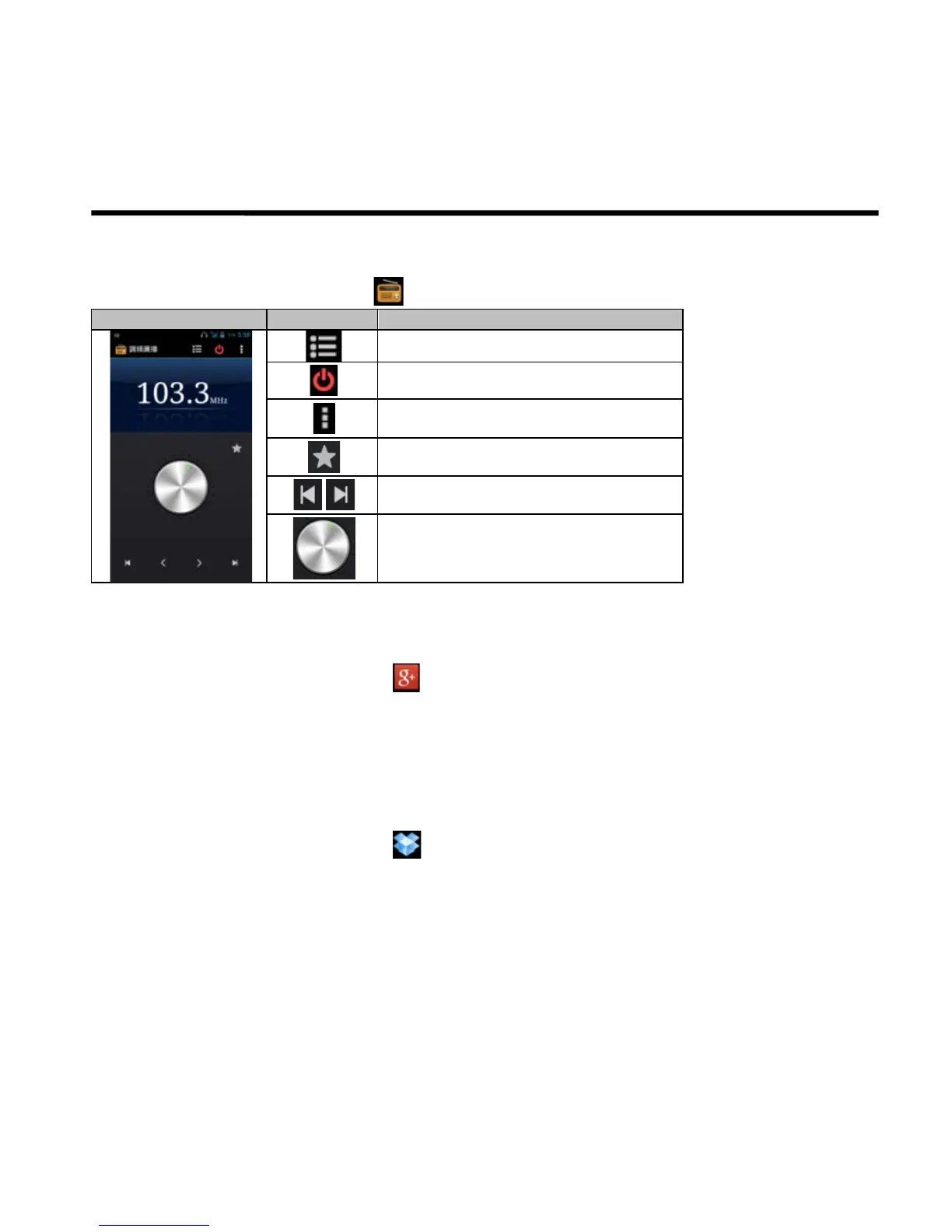
Search channels by rotating
6.17 Google+
You can check your friends’ updates, post updates of your own and chat with your friends in Google+.
1. Tap Application Drawer > APPS tab > .
2. If you do not log in your Google Account, tap “NEW” to create an account, or tap “Existing” to sign in the
Google account. Please follow the on-screen instruction to log in.
6.18 Dropbox
Dropbox is a free service that lets you bring all your photos, documents, and videos anywhere. Any file saved
to your Dropbox will also automatically sync to all your computers, phones, and the Dropbox website.
1. Tap Application Drawer > APPS tab > .
2. If you do not have your Dropbox account, tap “I’m new to Dropbox” to create an account, or tap “I’m already
a Dropbox user” to sign in. Please follow the on-screen instruction to log in.
3. Once logged in, you can begin to upload and share your files.
If you want to copy files between your computer and your phone storage. Please have your device connect to
PC with the USB cable first.



 To Next Page