To create a voice message
1. Tap Application Drawer > APPS tab > .
2. Tap to create a new message.
3. Tap > Audio.
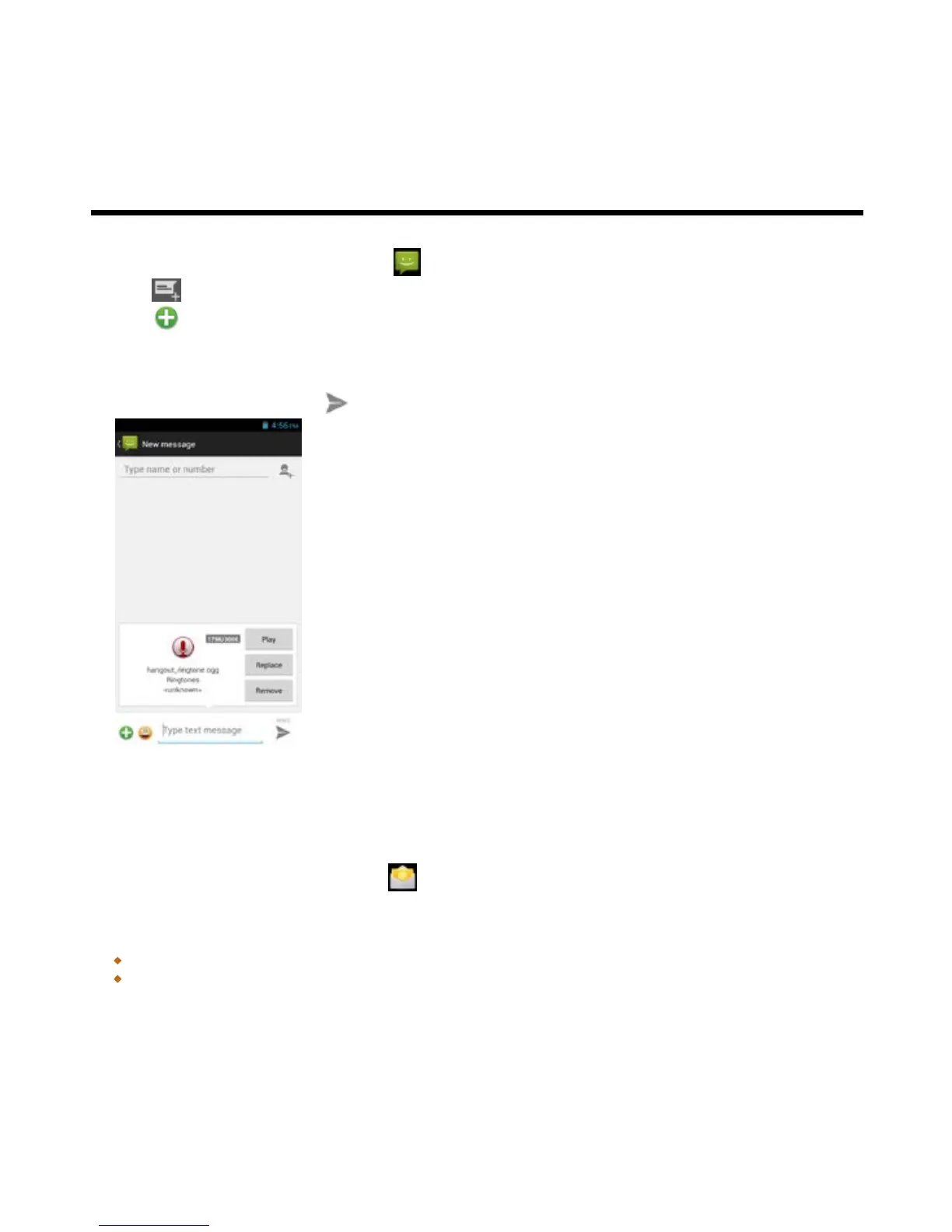
4. Add “Ringtone” or “Audio” on the Message screen
5. Tap “Play” to listen to your recording again, Tap “Replace” to be replaced another attachment, or tap
“Remove” to delete.
6. Type your message and tap to send your message.
3.2 Email Accounts
All your received email messages are delivered to your phone.
Set up an Internet Email account
1. Tap Application Drawer > APPS tab > .
2. Enter your e-mail address and Password. Tap “Next”.
3. Select the e-mail account of types.
4. The phone will retrieve the e-mail settings automatically.
If the e-mail settings are pre-configured, the e-mail setup wizard displays a successful message.
If the e-mail settings are not found, manual setup is in process automatically. You can follow the



 To Next Page