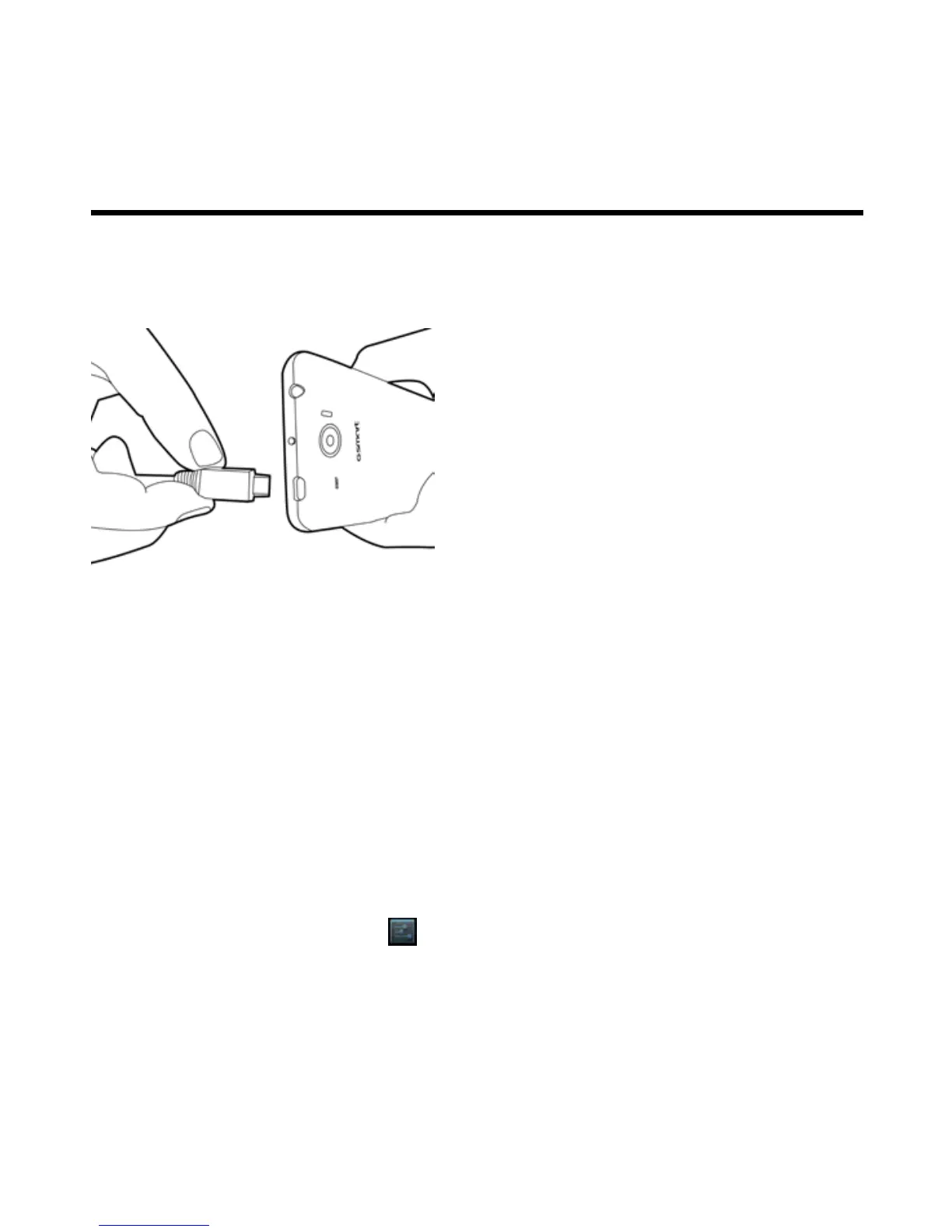
1.3 Charging the Battery
Please charge the battery fully before the first using.
1. Connect the USB cable to the AC adapter, and then, connect to the device via the USB cable.
2. Plug the AC adapter to a socket to start the charge.
NOTE:
To ensure safety, do not remove the battery from the phone while the AC adapter is connected or
while it is being charged.
1.4 Turning the Phone On or Off
After installing the SIM card and charging the battery, you are now ready to turn your phone on.
To turn on your phone
Press and hold the power button until the phone shortly vibrates.
To turn off your phone
1. Press and hold the power button for several seconds.
2. A pop-up window appears, then tap “Power off”.
To switch on your phone automatically
1. Tap Application Drawer > APPS tab > > Scheduled power on/off.
2. Tap “ON” to set scheduled power on automatically.
3. Tap “Time” to set up a time to turn on your phone. Please adjust the hour and the minute. You can switch



 To Next Page