AM/PM. Tap “Done” to save the settings.
4. Tap “Repeat” .Please select a day to turn on your phone. Tap “OK” to save the setting.
5. Tap “DONE” to finish settings.
To switch off your phone automatically
1. Tap Application Drawer > APPS tab > Settings > Scheduled power on/off.
2. Tap “OFF” to set scheduled power off automatically.
3. Tap “Time” to set up a time to turn off your phone. Please adjust the hour and the minute. You can switch
AM/PM. Tap “Done” to save the settings.
4. Tap “Repeat”. Please select a day to turn off your phone. Tap “OK” to save the setting.
5. Tap “DONE” to finish settings.
To set your phone to the sleep mode
To set your phone to the sleep mode, press the power button briefly. It will turn the display off. To turn the
display on, press the power button briefly again.
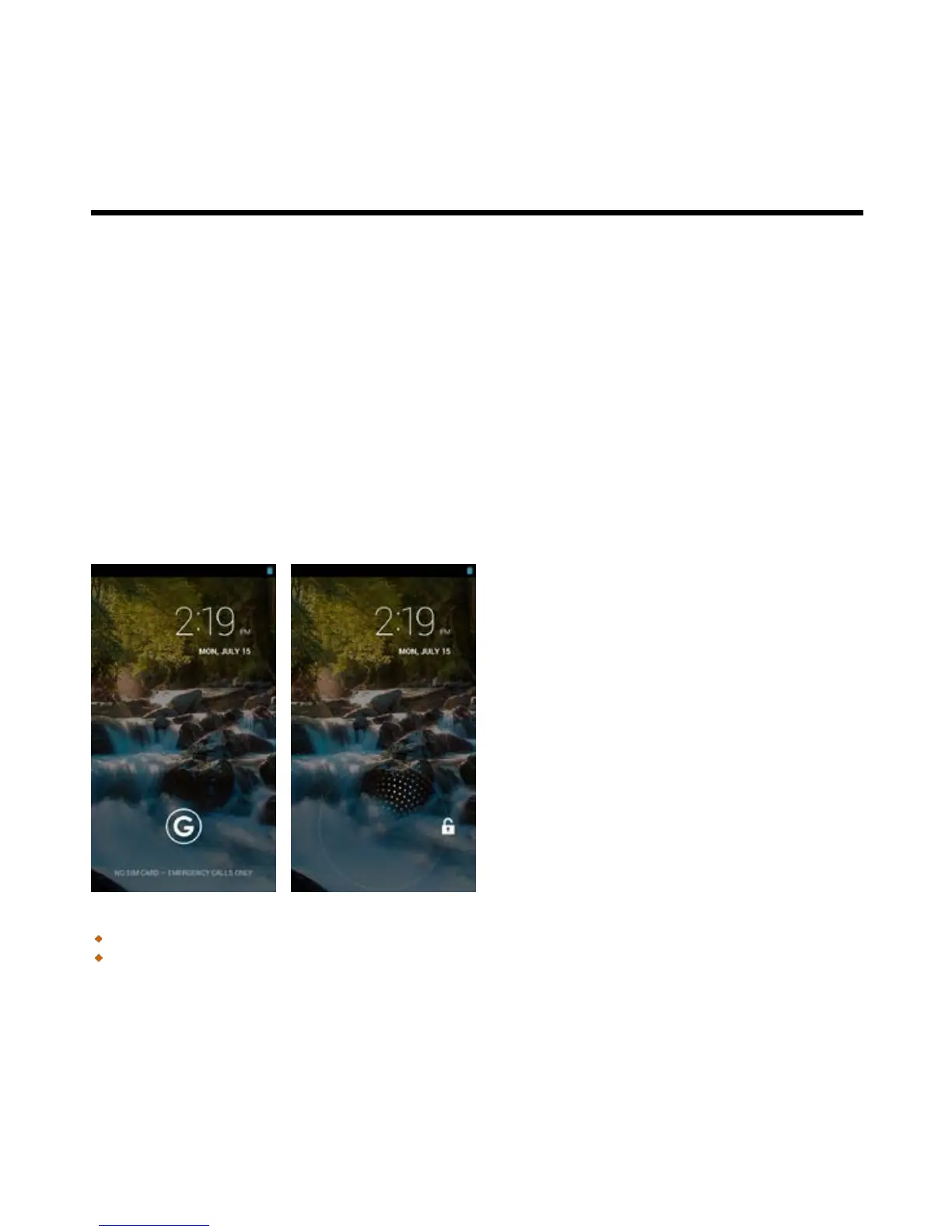
Unlock your phone
Slide G icon on screen to any direction for unlocking your phone.
Unlock screen widget
Swiping your finger to the right anywhere on the lock screen takes you directly to the Camera app.
Swiping your finger to the right on the main lock screen panel, the screen slides over to reveal a new
panel with a large gray plus sign. Tapping the plus sign shows you a list of available widgets you can add.



 To Next Page