EasyManua.ls Logo

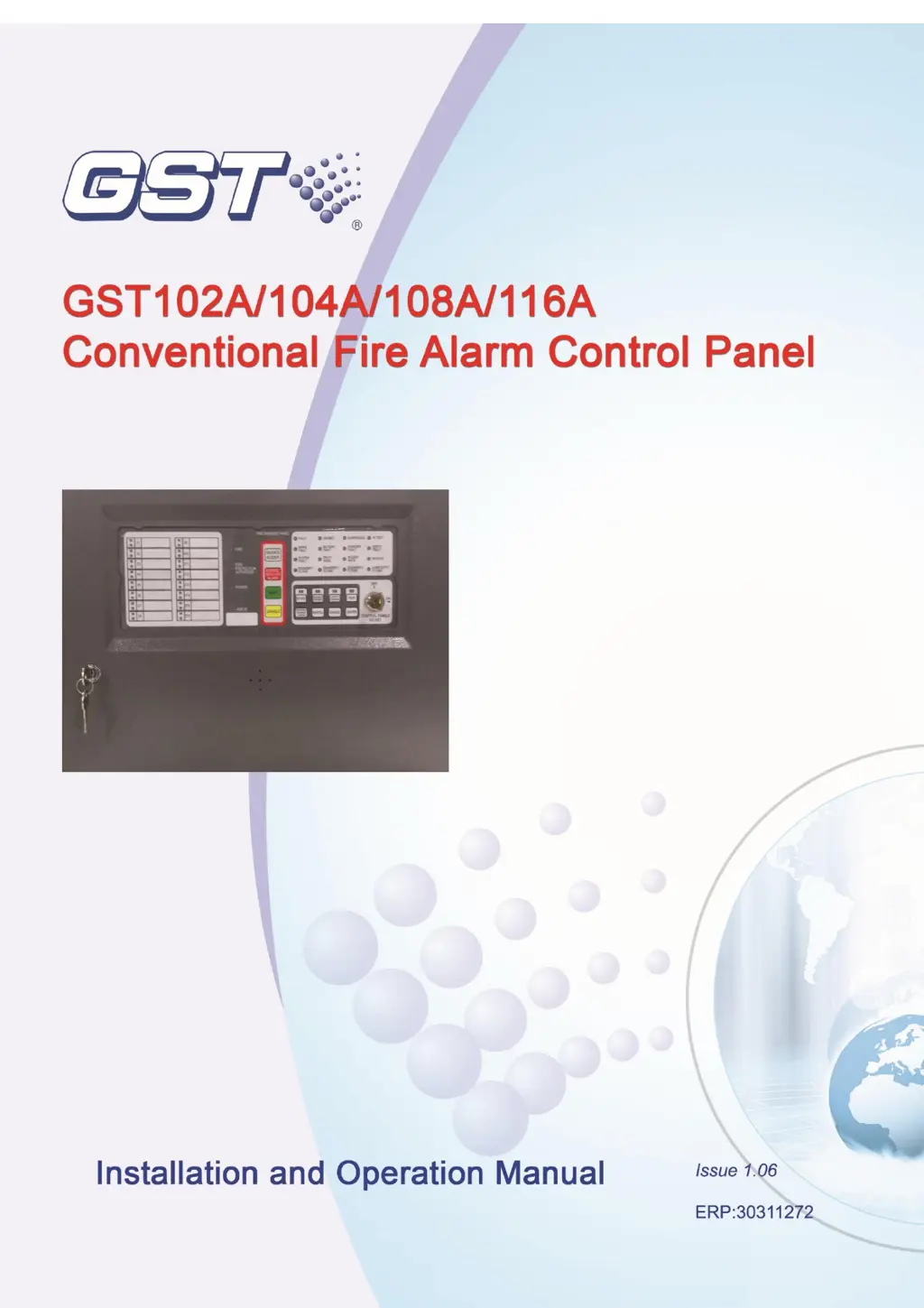
GST GST108A - User Manual

GST GST108A
43 pages
Print Icon
To Next Page IconTo Next Page
Loading...

Table of Contents

Questions and Answers

Summary

Chapter 1 Product Overview

Chapter 2 Installation and Wiring

2.2 Mains Connection

Guidance on connecting the AC power supply to the CIE.

2.3 Battery Connection

Steps for connecting the standby batteries to the panel.

Chapter 3 System Setup

3.1 Setting Access Levels

Explains the three access levels for panel operation and programming.

3.3 Disablement of a Zone or Output

Procedures for disabling faulty zones or outputs and their operation.

3.4 Setting Test Mode

How to put the panel into test mode for system verification and operation steps.

Chapter 4 Operation Instructions

4.6 Self-test and Reset

How to perform self-test and reset the panel.

Chapter 5 Calculation of Batteries Capacity

Chapter 6 Servicing

6.1 Replacing the Batteries

Instructions for replacing the system batteries.

6.2 Replacing the Fuses

Procedures for replacing internal fuses F1 and the 5A fuse.

6.3 Troubleshooting

Common problems and their resolutions.

GST GST108A Specifications

General IconGeneral
Dimensions440mm x 320mm x 130mm
BatteryDC 24V, 7Ah
Operating Environment Relative Humidity≤95% (non-condensing)
DisplayLCD
Communication InterfaceRS485, CAN

Related product manuals