EasyManua.ls Logo

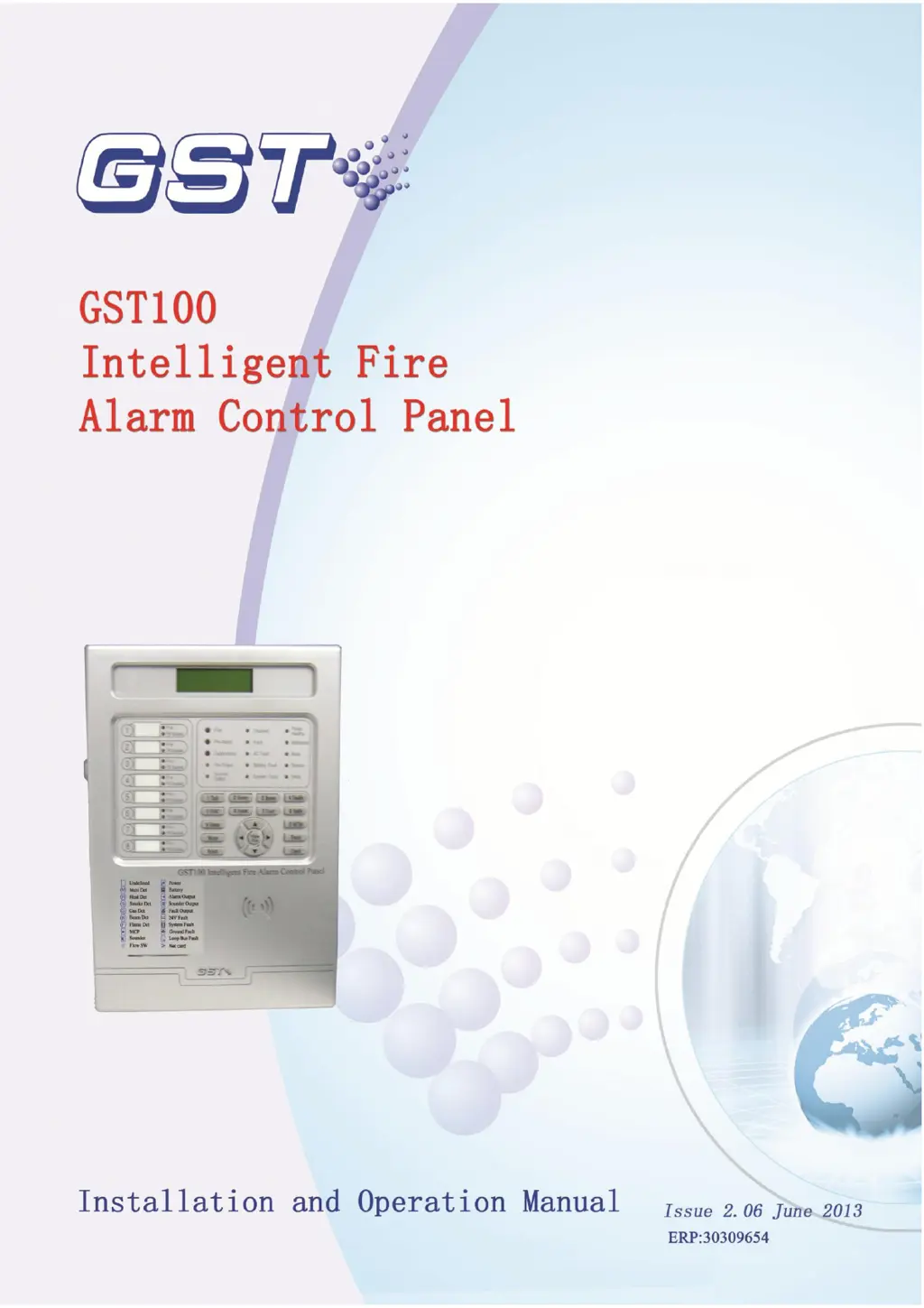
GST GST100 - User Manual

GST GST100
48 pages
Print Icon
To Next Page IconTo Next Page
Loading...

Table of Contents

Questions and Answers

  • R
    rdaltonAug 3, 2025
    What to do if GST GST100 Control Panel displays AC Fault after power up?
    • J
      Juan CummingsAug 3, 2025
      If the GST Control Panel displays an AC Fault after powering up, it could be due to: a) No 230VAC power supply. In this case, check and connect the cables. b) The fuse of AC power is blown out. Replace the AC fuse, and refer to the label for the correct parameter.
  • J
    Jeffrey BradleyAug 18, 2025
    How to fix GST GST100 Control Panel with no display after power up?
    • P
      Patrick MartinAug 18, 2025
      If the GST Control Panel shows no display or an abnormal display after powering up, it might be caused by: a. An abnormal power supply. Check the 230VAC power supply. b. A loose connection with the LCD cable. Check the connection cable.

Summary

Technical Specifications

Operating Voltage and Power

Details the input voltage, frequency, current, fuse, and wiring for the panel's power supply.

Standby Battery Requirements

Specifies parameters for standby batteries, including charge current, voltage, type, and capacity.

Detecting Loop Specifications

Outlines parameters for detecting loops, including type, connectivity, and recommended wiring.

Output Loop Parameters

Details specifications for output loops such as SOUNDER, ALARM, and FAULT outputs.

Installation and Commissioning

Pre-Installation Checks

Lists essential checks to perform before installing the Fire Alarm Control Panel.

Installation Procedure and Environment

Details the mounting method, hole distance, operating temperature, and humidity.

Power-up Self-Test Verification

Guides on how to verify the panel's functionality after initial power-up.

Periphery Device Connections

Explains how to connect various periphery devices to the panel's terminals.

Loop and Communication Connections

Details connections for loop bus and communication loops, including diagrams.

Commissioning Steps

Outlines the steps for system commissioning, including connection checking and device registration.

System Information Display and Handling

User Operations Guide

System Operators Guide

Network Configuration and Operation

Battery Capacity Calculation

Troubleshooting and Maintenance

Common Disposal of Issues

Provides common problems and their solutions for panel operation and device registration.

GST GST100 Specifications

General IconGeneral
BrandGST
ModelGST100
CategoryControl Panel
LanguageEnglish

Related product manuals