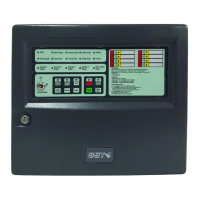
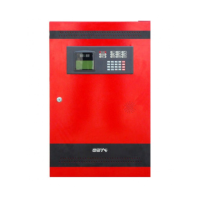
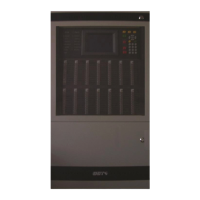
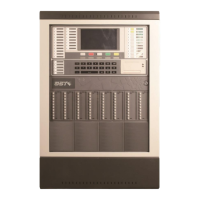
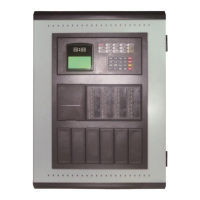
GST100 Intelligent Fire Alarm Control Panel
Installation and Operation Manual
Page 29
The following functions can be realized by reset:
(1) Clearing all current fire alarm and fault display;
(2) Resetting the status indication LED of loop controlled fire suppression equipment.
(3) Clearing the silenced status;
(4) Locking the keypad.
6.10 Unlocking and Locking the Keypad
6.10.1 Unlocking the Keypad
The keypad is locked by default when powered up. Certain functional keys (except Browse)
request a password and confirmation by pressing Enter before further operation.
6.10.2 Locking the Keypad
The FACP is designed to automatically lock the keypad. When there are alarm messages such
as fire, supervisory and fault being displayed or there is menu operation, the FACP will lock the
keypad if there is no operation in 90 seconds and no new message comes.
Note: After operations, the person on duty should make sure that the keypad is locked
in order to avoid unwanted operation.


 To Next Page