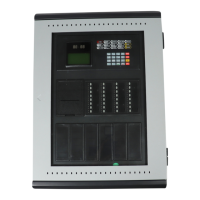
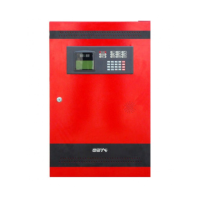
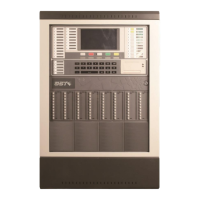
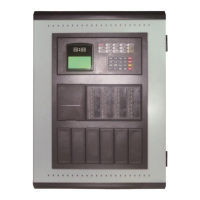
GST100 Intelligent Fire Alarm Control Panel
Installation and Operation Manual
Page 5
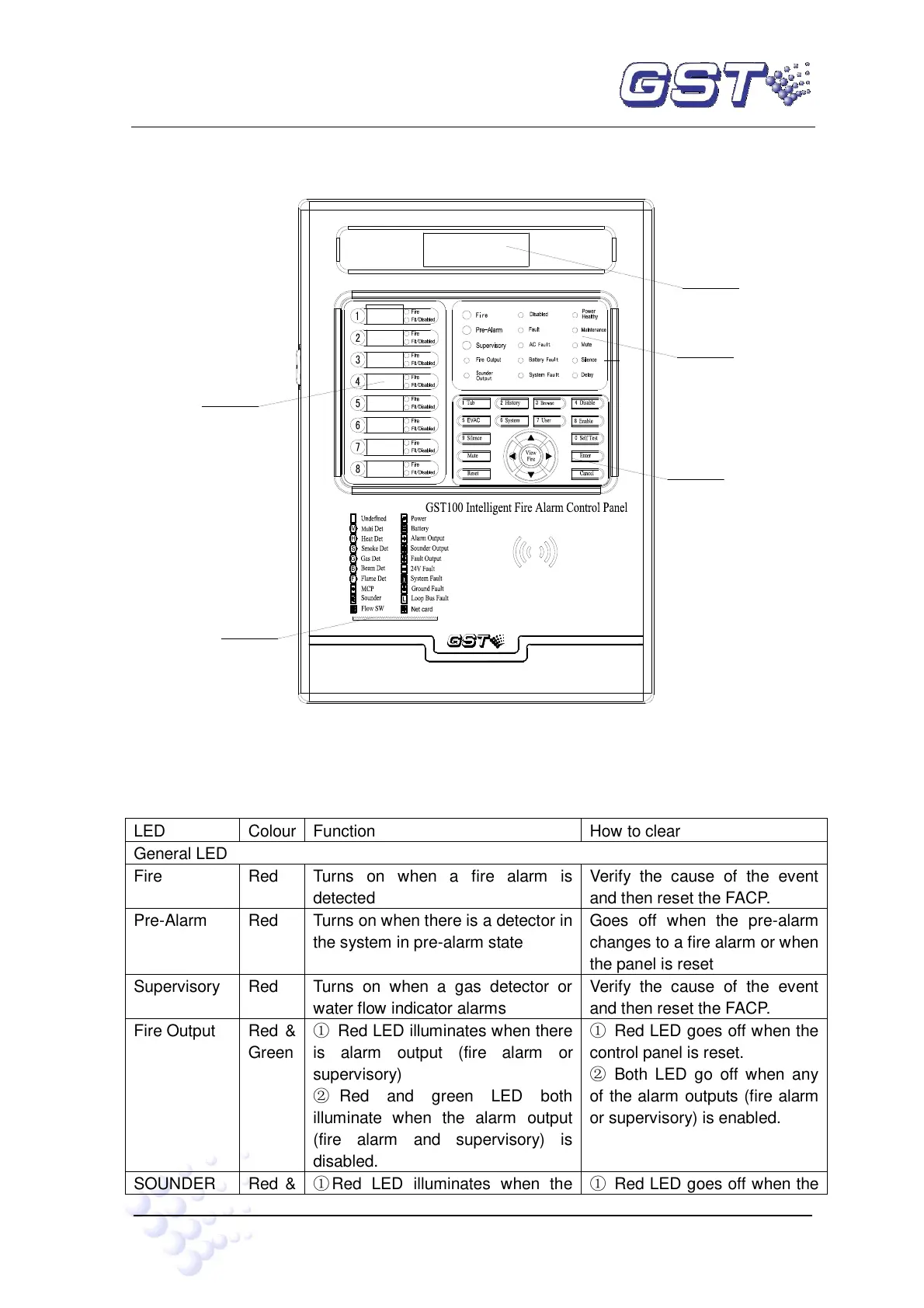
shown in Fig. 3-3.
Keypad
Print
Paper out
Zonal LED
General LED
LCD
Fig. 3-3
3.1.2 LEDs
Turns on when a fire alarm is
detected
Verify the cause of the event
and then reset the FACP.
Turns on when there is a detector in
the system in pre-alarm state
Goes off when the pre-alarm
changes to a fire alarm or when
the panel is reset
Turns on when a gas detector or
water flow indicator alarms
Verify the cause of the event
and then reset the FACP.
① Red LED illuminates when there
is alarm output (fire alarm or
supervisory)
② Red and green LED both
illuminate when the alarm output
(fire alarm and supervisory) is
disabled.
① Red LED goes off when the
control panel is reset.
② Both LED go off when any
of the alarm outputs (fire alarm
or supervisory) is enabled.
① Red LED illuminates when the
① Red LED goes off when the


 To Next Page