EasyManua.ls Logo

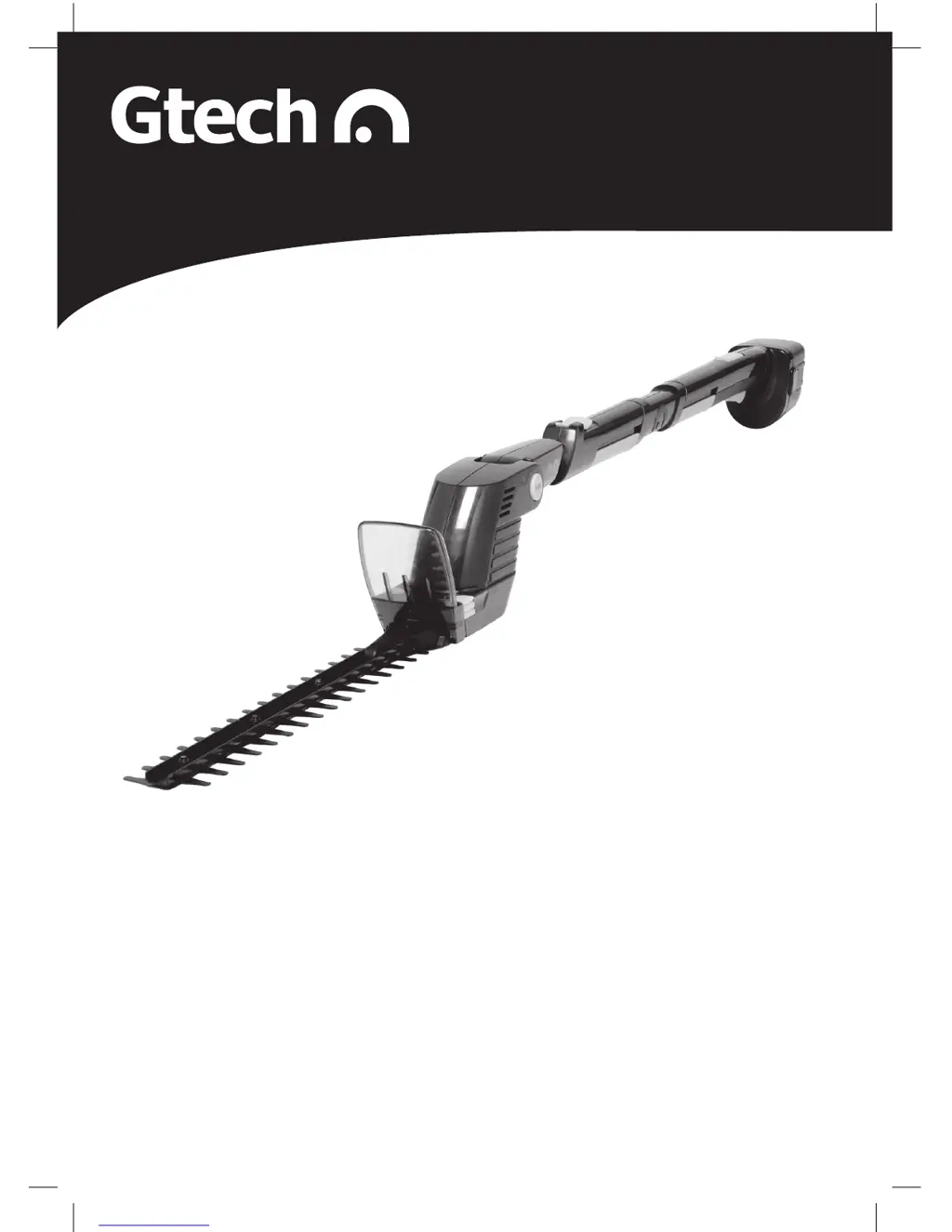
Gtech HT04 - User Manual

Gtech HT04
20 pages
Print Icon
To Next Page IconTo Next Page
Loading...
Safety and Instruction Manual for
cordless garden multi-tool
HT04
www.gtechonline.co.uk
HT04 GenericManual09QVC.indd 1 23/12/2009 11:25

Questions and Answers

  • J
    Jeffrey RyanJul 31, 2025
    Why Gtech HT04 Power Tool battery not charging?
    • J
      Jennifer KingAug 1, 2025
      There are several reasons why the battery might not be charging: * The charger cord may not be well connected to the charging stand. Ensure the charger connector is correctly fitted. * The battery might not be fully pushed into the charging stand. Push the battery fully in. * The charger itself could be faulty. A functional charger should feel warm to the touch when charging the battery.
  • R
    reneelopezAug 8, 2025
    What to do if Gtech HT04 fails to operate?
    • L
      Lucas DyerAug 9, 2025
      If your Gtech Power Tool isn't working, consider these potential causes: * The battery may be flat. Recharge it. * The battery pack might not be fully inserted. Push it in completely. * The switch could be faulty. A properly functioning switch in the handle will produce a 'click' sound when used.
  • L
    lindsey09Aug 15, 2025
    Why is my Gtech Power Tool cutting time low?
    • J
      Jason ThomasAug 15, 2025
      If you're experiencing short cutting times with your Gtech Power Tool, here’s what might be happening: * The blade may need lubrication. Lubricate the blade. * The blade may need cleaning. Clean and lubricate the blade. * You might be overloading the motor. Use a lighter cutting action and cut in several stages. * The battery may not be fully charged. Fully charge the battery. * The battery may no longer be holding a charge. Replace the battery.
  • A
    Anthony DiazAug 23, 2025
    What to do if Gtech HT04 Power Tool blade will not move?
    • G
      Gina KnappAug 25, 2025
      If the blade of your Gtech Power Tool won't move, and remembering not to hold the switch on when the blade is jammed, consider the following: * The battery may be flat. Recharge the battery. * The blade teeth might be jammed or damaged. Remove any obstructions from the blade, ensuring the tool is switched off. * The blade could be corroded. Replace the blade.

Summary

Safety Information

General Power Tool Safety

Covers work area, electrical, and general power tool safety warnings.

Personal Safety and Operation

Focuses on personal alertness, PPE, preventing accidental starts, and proper handling.

Technical Specification

Part Location and Unpacking

Product Setup and Charging

Assembly

Instructions for fitting the visor to the tool.

Battery Charging and Recharging

Guidance on charging the battery with the provided charger.

Attachment Handling

Fitting and Removing Attachments

Steps for attaching and detaching various tool attachments.

Tool Adjustments

Cutting Head Adjustment

How to adjust the cutting head angle for optimal use.

Telescopic Tube Adjustment

Instructions for extending and locking the telescopic tube.

Starting and Stopping

Using Specific Attachments

Hedge Trimmer Operation

Safe and effective usage of the hedge trimmer.

Grass Shears Operation

Guidelines for using the grass shears attachment.

Branch Cutter Usage

Weed Basher Usage

Maintenance and Storage

Cleaning and Storage

Procedures for cleaning and storing the tool.

Care and Maintenance

Regular checks and maintenance for tool longevity.

Troubleshooting

Warranty Information

EC Declaration of Conformity

Gtech HT04 Specifications

General IconGeneral
BrandGtech
ModelHT04
CategoryPower Tool
LanguageEnglish