11
DESCRIPTION OF PRODUCT
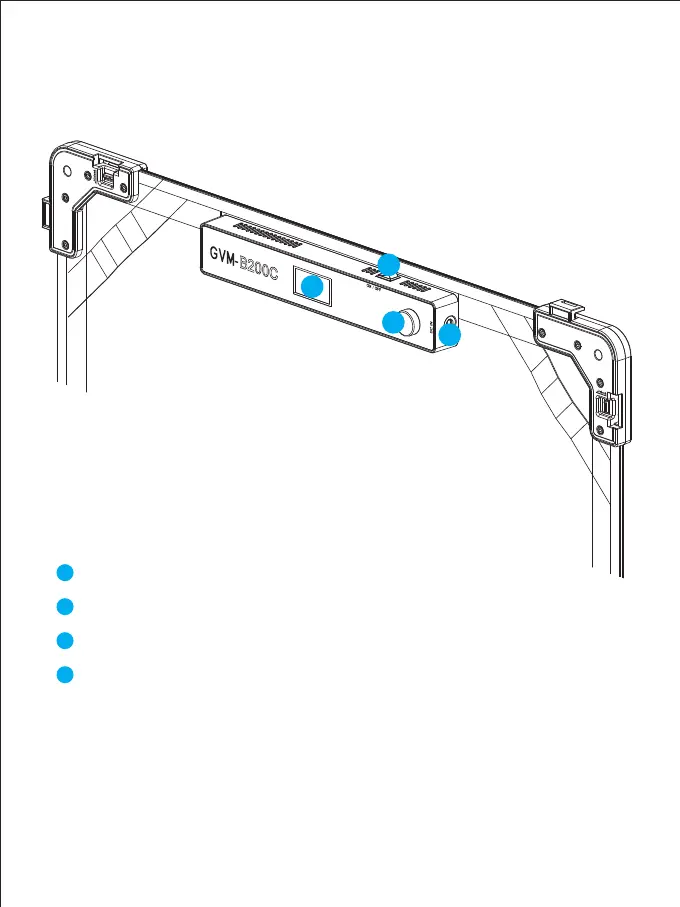
CONTROL KEYS
1
2
3
4
LCD Screen: Display current settings, modes and parameters.
Power ON/OFF button.
Knob:
DC Input: Connect to power supply.
1
3
4
2
【Turn the knob】To go through menu items, mode or adjust parameters.
【Click the knob】 to confirm selection.
【Double-click the knob】to return to the previous menu page.
【Press & hold the knob】to return to the main menu.



 To Next Page