16
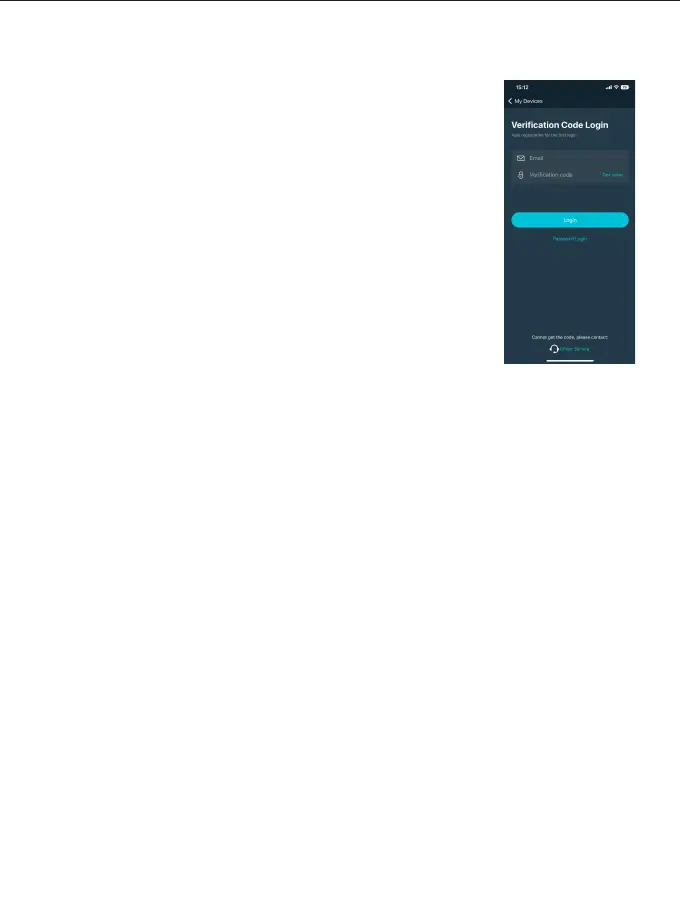
Figure 5
◆
Use e-mail to get the verification code to log in (the first login
automatically registers the account). (Figure 5)
There may be a delay in sending the verification code, and
the speed of delivery depends on the e-mail server you are
using.
Some email servers may recognize our verification emails as
advertising promotions, please check your spam folder/inbox.
After logging in, you can synchronize the Mesh Bluetooth
devices bound to the current account to other smart devices.
Account Login
◆
◆
◆



 To Next Page