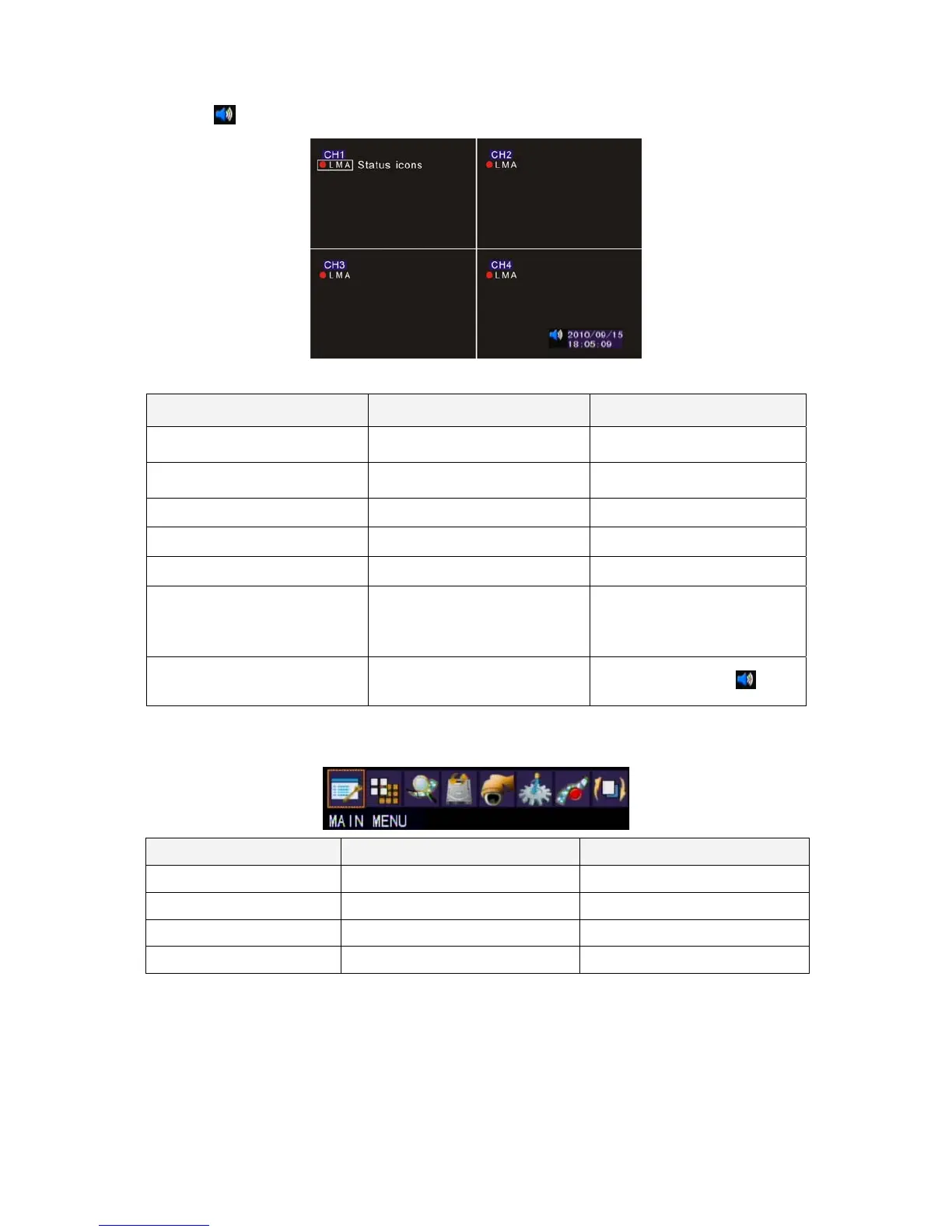
7
:Sound on/off
Setup Operation Front Panel&Remote Control USB Mouse
Channel 1~8 Single Channel
Display
[CH1~8]
Select one of channel
[Double click left button]
8 Channel Split Display [8 CH Split]
Under single channel
[Double click left button]
Quick Menu [MENU] [Right]
Playback Mode [Play] [Right] QuickMenu
Start/Stop the Manual Record [Record] [Right] QuickMenu
Start/Stop the Auto Switching
Front Panel
[Auto Switch]
Remote Control
[Auto Switch]
[Right] QuickMenu
Start/Stop Mute
Remote Control
[Mute]
[Left] Left Click
Quick Menu
Setup Operation Front Panel & Remote Control USB Mouse
Select Item [Left/Right] [Moving Cursor]
Enter the Select Item [Up/Down] [Moving Cursor]
Confirm the Select Item [Enter] [Left Click]
Exit [MENU] [Left Click] out of selection area
PTZ
Please set the speed dome properly before control PTZ. Please refer to PTZ
Setup.



 To Next Page