24
Language
Values:Traditional Chinese, Simplified Chinese and English.Auto
rebooting after change.
Function Tip
Show function tips below the menu items.
Value: On/Off(Default).
8.8.7
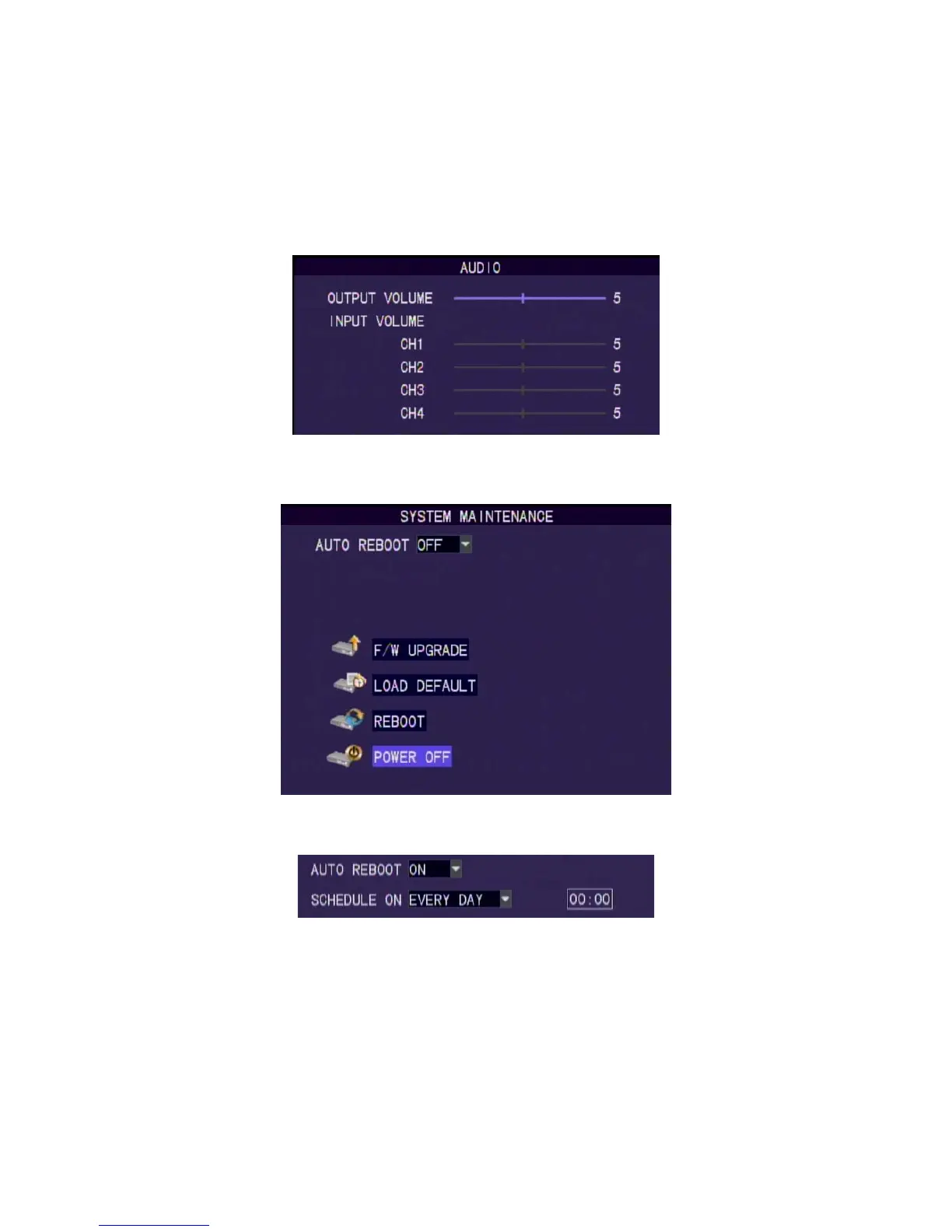
Audio setting
Audio Volume
Set the volume of audio In/Out. Values : 1-10. (Default : 5)
8.8.8 System Maintenance
Auto maintenance : Set time for auto rebooting. Value: On/Off.
Auto Rebooting setting
F/W update
Please plug the USB memory stick into the USB port on the DVR
rear panel after download the new firmware to the USB memory
stick.
Note: the firmware only can be upgraded by using the USB port. Please don’t
operate the system, remove the USB memory stick or remove the power while it
is in upgrade progressing in order to prevent any serious system error. The
system will automatic reboot after upgrade.



 To Next Page