22
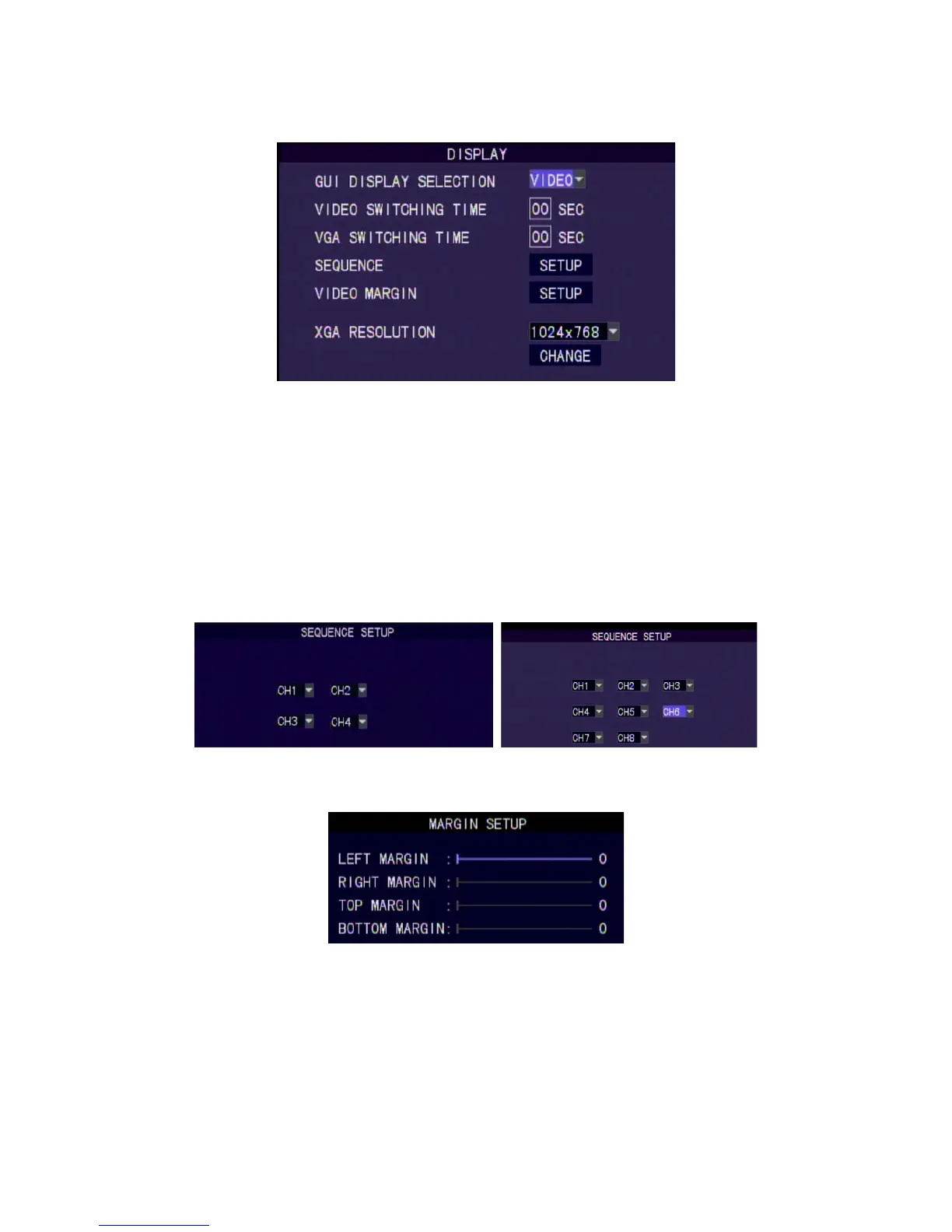
8.8.3 Display Setting
GUI Display
GUI display mode can be VIDEO or VGA.
Video Switching Time
Set the switching time when switching channels in video mode.
Values:1-99 seconds. (0 sec is Off)
VGA Switching Time
Set the switching time when switching channels in VGA mode.
Values:1-99 seconds. (0 sec is Off)
Switching Sequence
Set the switching sequence of channels.
Video Margin
Set the display margins of the screen. They are Left, Right, Top and
Bottom with range between 0 - 36.
XGA Resolution
XGA Resolution : 800x600, 1024x768, 1280x1024, 1440x900.
8.8.4 System Information
Provide the firmware version, MAC address, HDD status….
4ch DVR 8ch DVR



 To Next Page