6
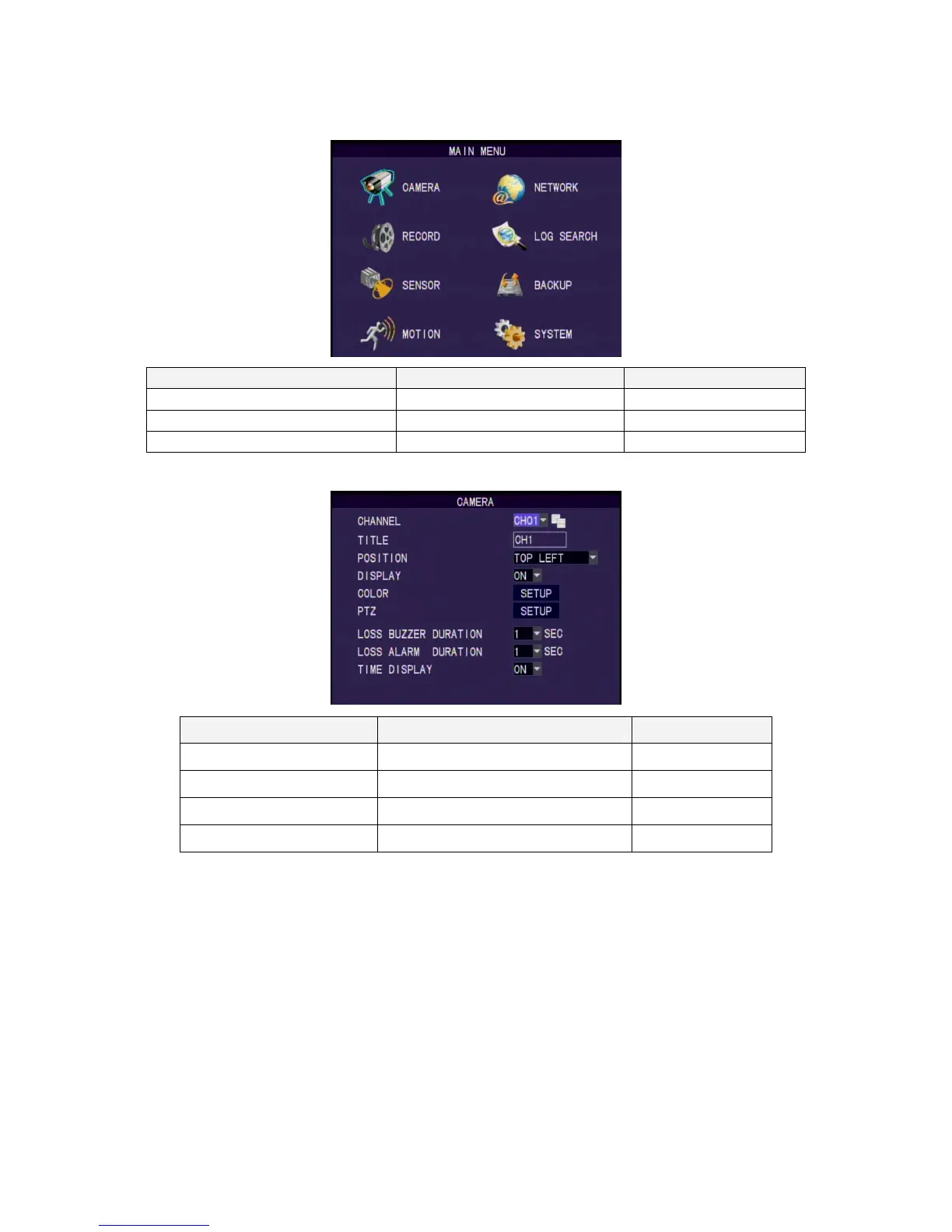
Main Menu Operation
Setup Operation Front Panel & Remote Control USB Mouse
Select [Up/Down/Left/Right] [Moving Cursor]
Enter Select Menu [Enter] [Left Click]
Return to Upper Menu [MENU] [Exit]
Setup Operation
Setup Operation Front Panel & Remote Control USB Mouse
Select [Up/Down/Left/Right] [Moving Cursor]
Confirm Select Setting [Enter] [Left Click]
Change the Select Setting [Left/Right] [Left Click]
Return to Upper Menu [MENU] Right Click
6. Display Setup
There are 3 kinds of screen display mode: Live, Auto Switching and PTZ. DVR.
Live Viewing Mode
The DVR will go to the live viewing mode after boot up. There are 5 different
status icon:
● :Record
M :Motion Triggered
L :Video Loss
A :Alarm Triggered



 To Next Page