11
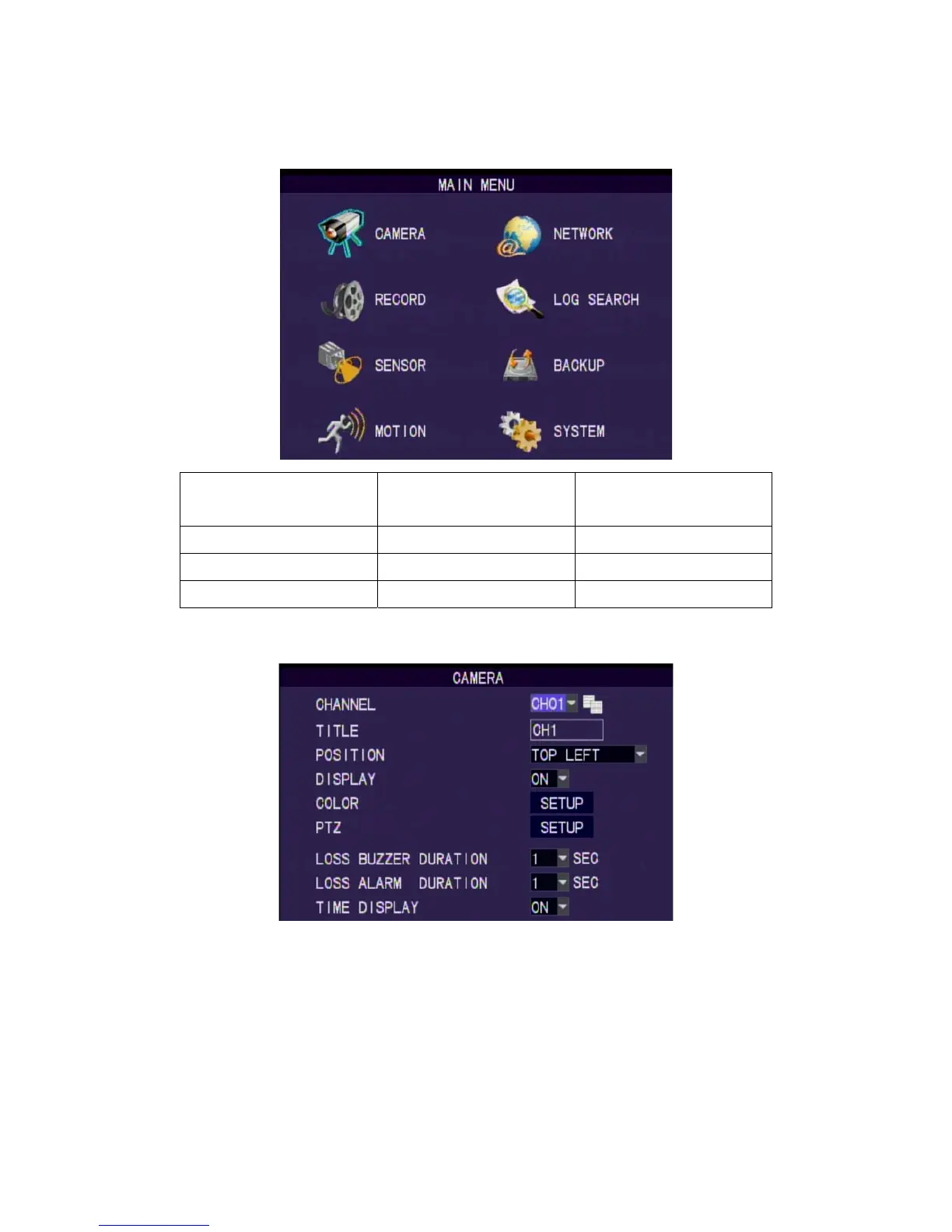
8. Main Menu
Setup Operation
Front Panel & Remote
Controller
USB Mouse
Select Item [Up/Down/Left/Right] [Moving Cursor]
Enter Select Item [Enter] [Left Click]
Exit Main Menu [MENU] [Right Click]
8.1 Camera Setup
Channel
Select one channel to set. Use CopyButton to copy present settings to other
channels.
Camera Title
Set the title of camera. Key in by using virtual keyboard.
Title Position
Set the title position. Set: Top Left, Top Right, Bottom Left, Bottom Right and
Off.
Display



 To Next Page