TX100 USB 4 6T7639a
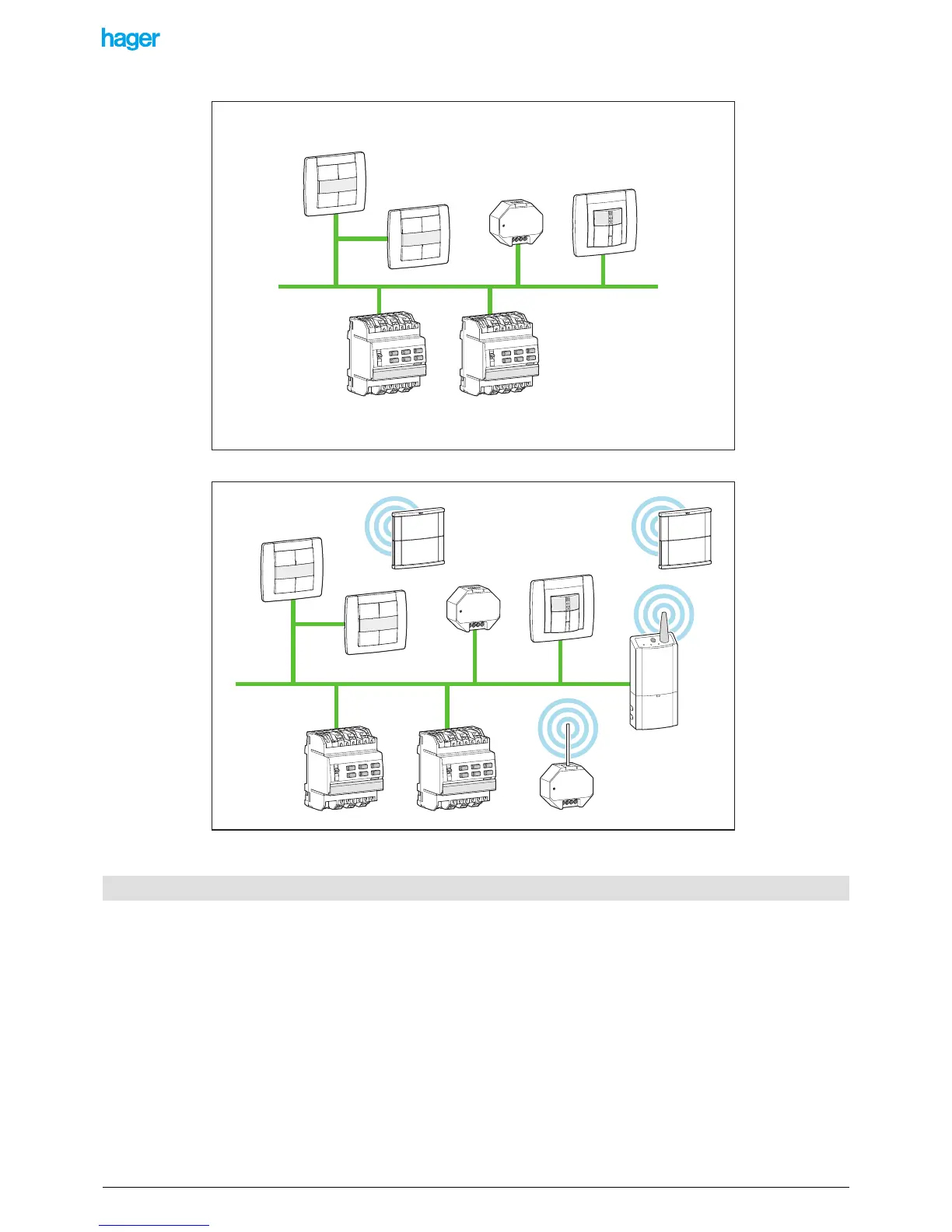
• Totally wired: all products of the installation communicate through the KNX cable
• Mixed: the installation includes both RF and TP products:
It is indispensable to install a media coupler in a mixed installation. This media coupler allows TP products and RF
products to communicate with each other.
After mounting and connecting all products making up the Tebis installation, the latter must be configured. This configuration is
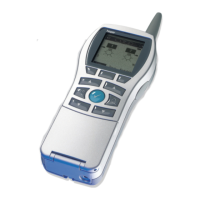
carried out using a tool: the TX100.
Configuring a Tebis installation consists in:
• Identifying and finding the various products present in the installation: pushbuttons, lighting output modules, etc.
• Numbering each input and output channel: giving a number to each of the 4 keys of a 4-key pushbutton, giving a number to
each of the 6 output channels of a product with 6 lighting outputs, etc.
• Assigning a function to each input, for example for a pushbutton: switch on the light, move up a shutter, switch the heating
to Comfort, etc.
• Creating links between inputs and outputs to define which input(s) control which output(s). It is possible this way to define
that one single input controls several outputs and thus create group or scene commands.
The configuration must then be stored as a file (called project file) in an external memory:
- USB stick or PC (TX100s with USB connector).
- SmartMedia (SM) card (old TX100s with card reader).
1.3 General information about the configuration and the management of the Tebis installations


 To Next Page