TX100 USB 50 6T7639a
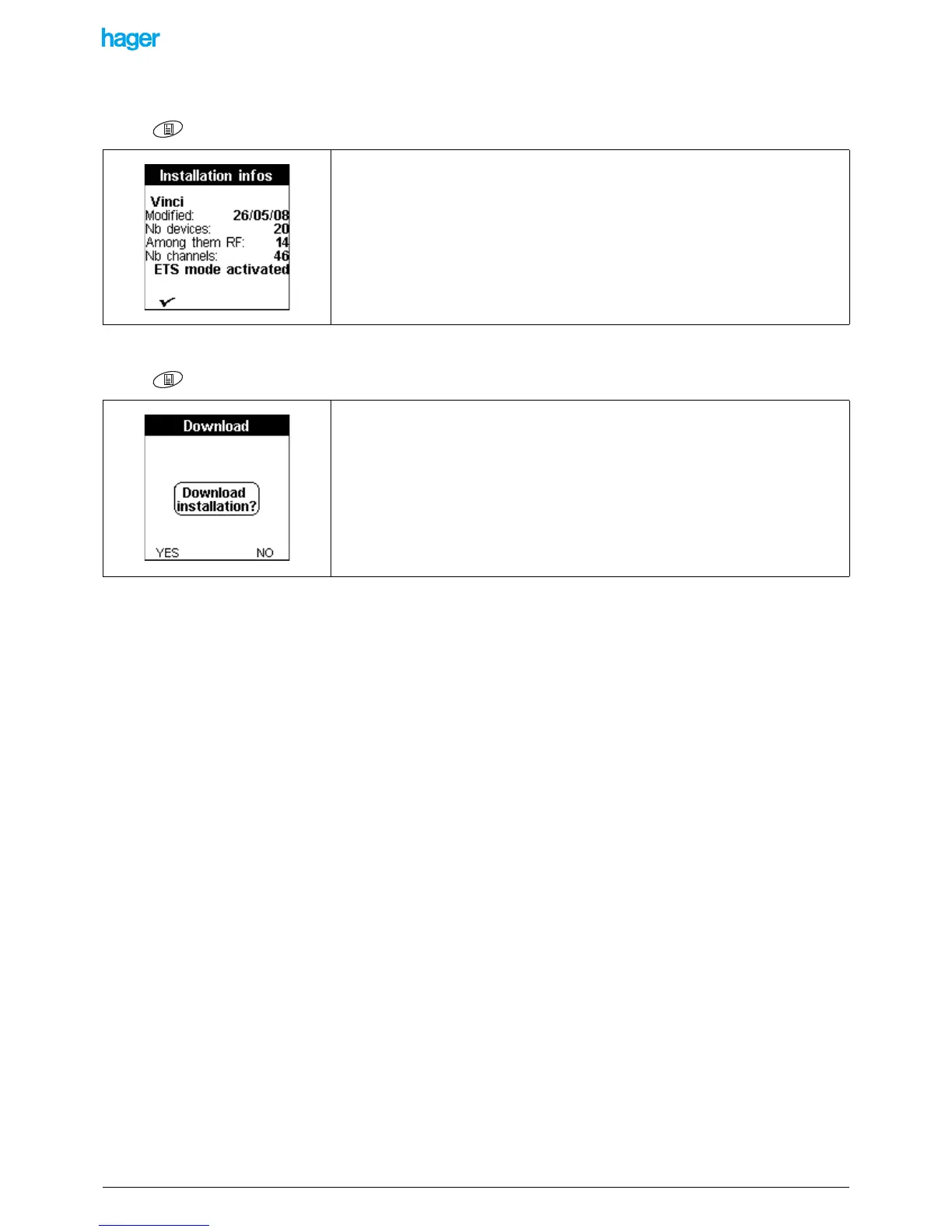
9.2.4 Information about the installation
Screen / Menu / Instal. Management / Information.
9.2.5 Downloading an installation
Screen / Menu / Instal. Management / Download):
This function gives general information about the installation.
This function allows starting or resuming a download for all products of the installation.
• Press the YES screen key to download all products of the installation.
• Press the NO screen key to return to the previous screen.


 To Next Page