CH+
CH-
VOL
-
VOL
+
MENU
TIME
CH+
CH-
VOL
-
VOL
+
MENU
TIME
Sleep timer and program preset
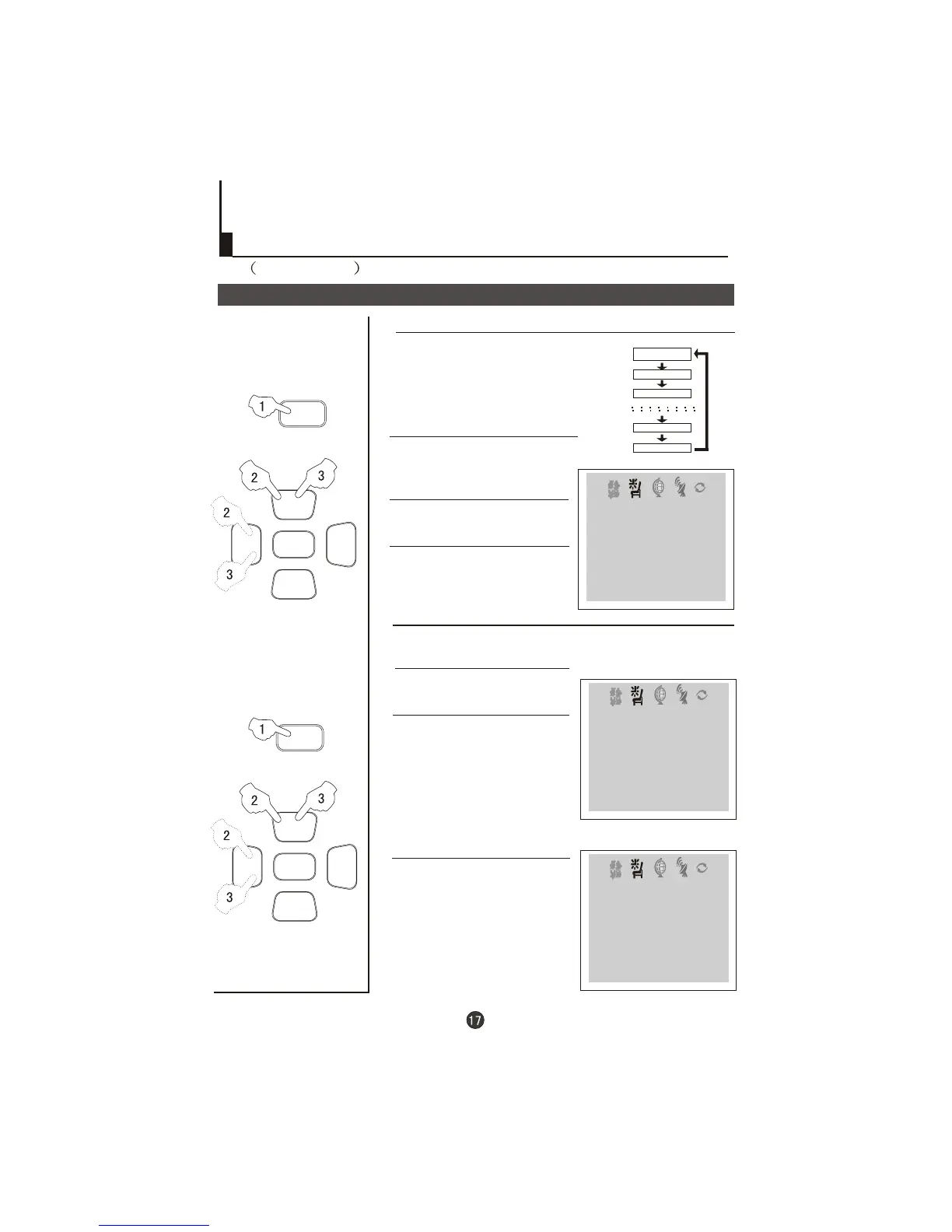
Sleep timer
REMIND PROG function
The TV set have 18 sections
option
(each section has a time
interval of 10 minutes)
for sleep timer function
(See right
chart):
0
10
20
170
180
1 Press the TIME button,
and the TIME menu display on
the screen.
menu
2 Press the CH +/- buttons to
select "SLEEP TIMER".
3 Press the VOL -/+ buttons to
adjust the SLEEP TIMER level.
1 Press the TIME button
to call up the TIME menu on the
screen.
menu
2 Press the CH +/- buttons to
select "REMIND TIME", then
press the VOL -/+ buttons to
set the value in hour position;
press again the CH+/- buttons
to select the minute position,
and then set the value of the
minute.(take 19:00 as an
example)
3 Press the CH+/- buttons to
select "REMIND PROG", then
press the VOL -/+ buttons or
the program direct number
buttons to set the desired
channel (take 18 as an
example).
Time functions
Continued
TIME
ON TIME 18:00
ON PROG 8
OFF TIME 23:00
SLEEP TIMER 120
REMIND TIME --:--
REMIND PROG 1
CLOCK 17:18
TIME
CLOCK 17:18
ON TIME 18:00
ON PROG 8
OFF TIME 23:00
SLEEP TIMER 120
REMIND PROG 1
REMIND TIME 19:00
TIME
CLOCK 17:18
ON TIME 18:00
ON PROG 8
OFF TIME 23:00
SLEEP TIMER 120
REMIND TIME 19:00
REMIND PROG 18
NOTE: For
CHILD LOCK must be
turned off.
REMIND PROG to
operate
Program remind timer, that displays an on-screen reminder
prompt, when a program on a different channel is due to start.



 To Next Page