Calendar function
CH+
CH-
VOL
-
VOL
+
MENU
FUNCTION
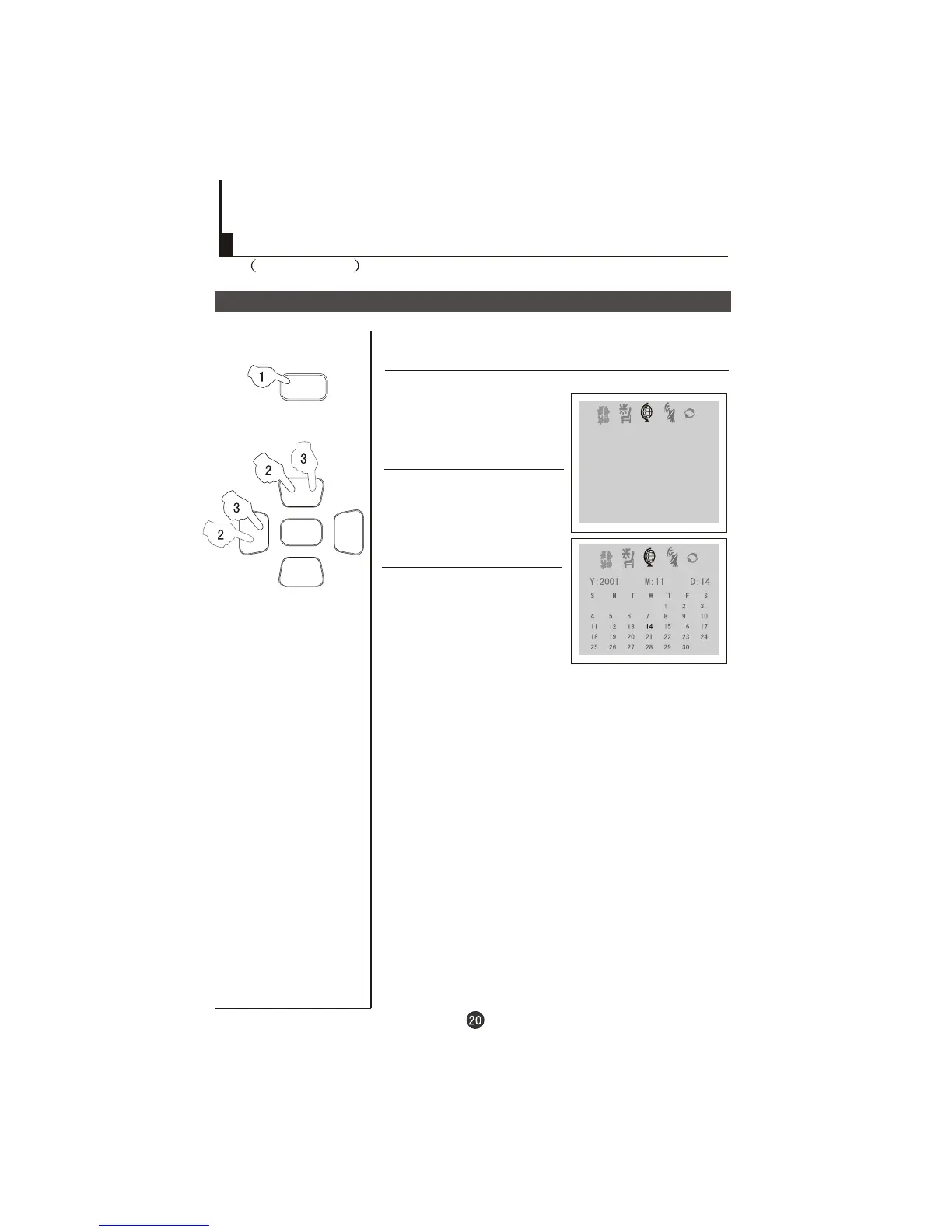
1 Press the FUNCTION menu
button till the menu
,
shown on the right display on the
screen.
FUNCTION
3 Press the VOL-/+ buttons to turn
the YEAR/MONTH/DAY, press
CH+/- buttons to set or adjust
the YEAR/MONTH/DAY.
Calendar function
2 Press the CH+/- button to select
"CALENDAR" , then press the
VOL-/+ buttons to the CALENDAR
display on the screen.
FUNCTION
LANGUAGE ENGLISH
BACKGROUND ON
NOISE REDUCE ON
CHILD LOCK OFF
AVL ON
CALENDAR
Set up function
Continued



 To Next Page