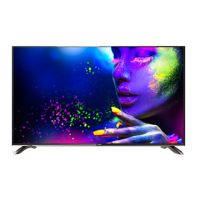
Note: The cabinet and buttons of TV is only for reference.
Menu
Volume down/up
Channel down/up
TV/AV switch
VIDEO
L/R audio
21FA1/21TA1
Signal receiver
Power switch
Power
indicator
1
2
34
56
7
8
9
1. Video:
2.A-IN/ : Audio Input/
3. TV/AV
5.VOL-/ :
Decrease sound/
V-IN Video Input
TV/AV switching
4. Menu: Access/Exit Main M (Menu)
VOL+
Increase sound
6. CH-/CH+:
Select next lower channel
/ Select next higher channel
7.Power Indicator
8.Sensor Windows
9.Power: Power on/off
1407
Front and side panel of the TV set
Function buttons and external sockets



 To Next Page