CH+
CH-
VOL
-
VOL
+
MENU
TUNE
CH+
CH-
VOL
-
VOL
+
MENU
123
456
789
0
Watching TV
Watching TV program
You can watch TV program in a preset channel.
How to select TV program
Select the desired program
Select the desired sound
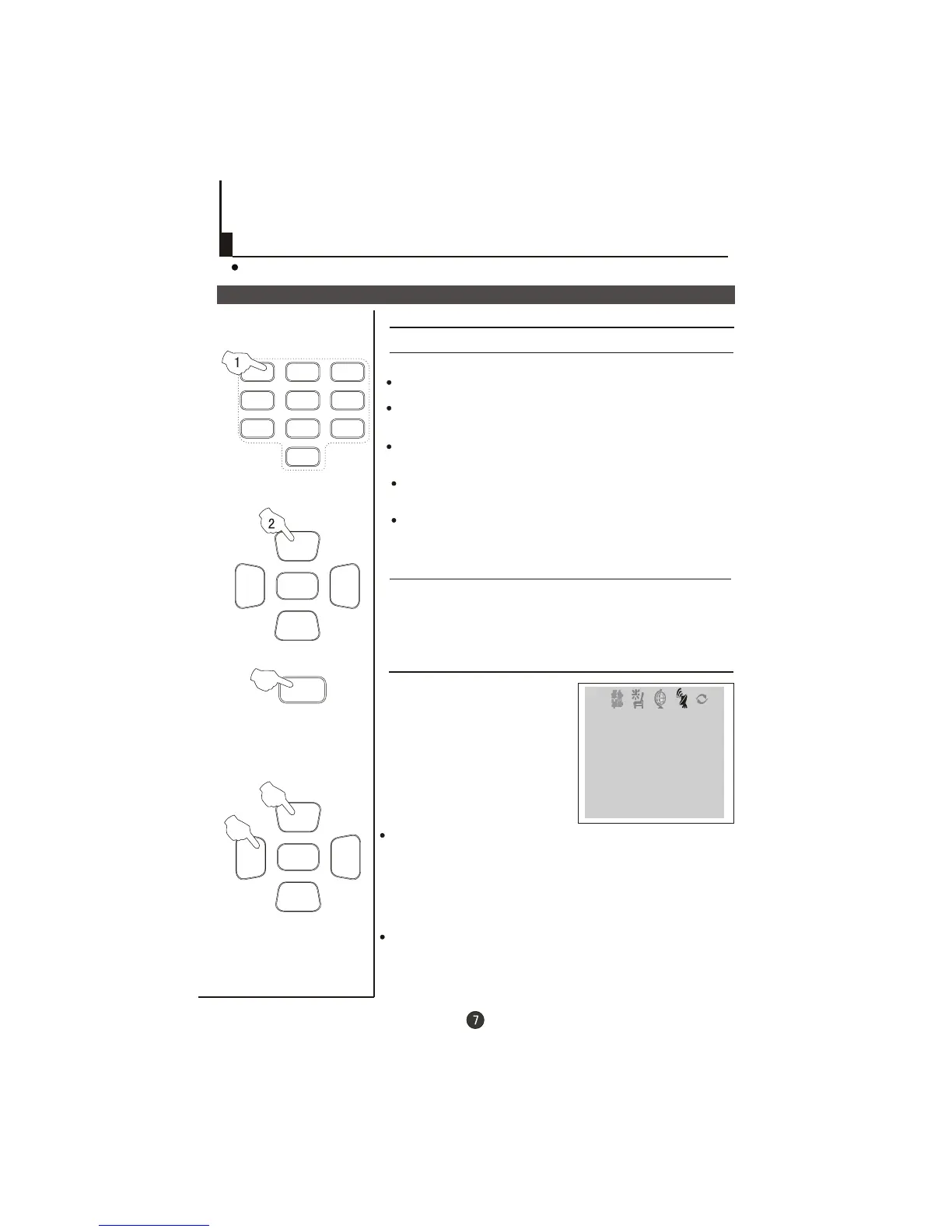
1 Using "Program number" buttons
2 Using the CH+/- buttons
Press the CH+ button to select a channel number in number
direction.
Press the CH- button to select a channel number in number
direction.
increasing
decreasing
Press the VOL-/+ buttons on the remote or the front of the
TV set to adjust the volume level.
If picture colo r is abnormalu
Use the CH+/- buttons to select Colour then the
VOL-/+ buttons to . Press the
EXIT button to save the setting.
select the colour system.
If the colour or sound of a channel is abnormal
Directly enter the channel number with the numeric keypad
on the remote control.
To select channel numbers from 10 ~ 99 press [-/--] button
and enter the two digit channel number
To select channel numbers from 100 ~ 218 press [-/--] button
twice and enter the 3 digit channel number
If the picture sound is abnormal
Use the CH+/- buttons to select Sound then press the
VOL-/+ buttons to select the sound system.
TUNE
SOUND BG
BAND VHFL
SKIP OFF
PROGRAM 0
SEARCH
FINE TUNE
AUTO SEARCH
COLOUR AUTO
The settings of the colo r
system or the sound system
may be wrong.
Press the TUNE button and
setting menu shown on the
right will display on the screen.
u



 To Next Page