- 22 -
Service Manual
Model No.:48E2500
7. Operation Instructions
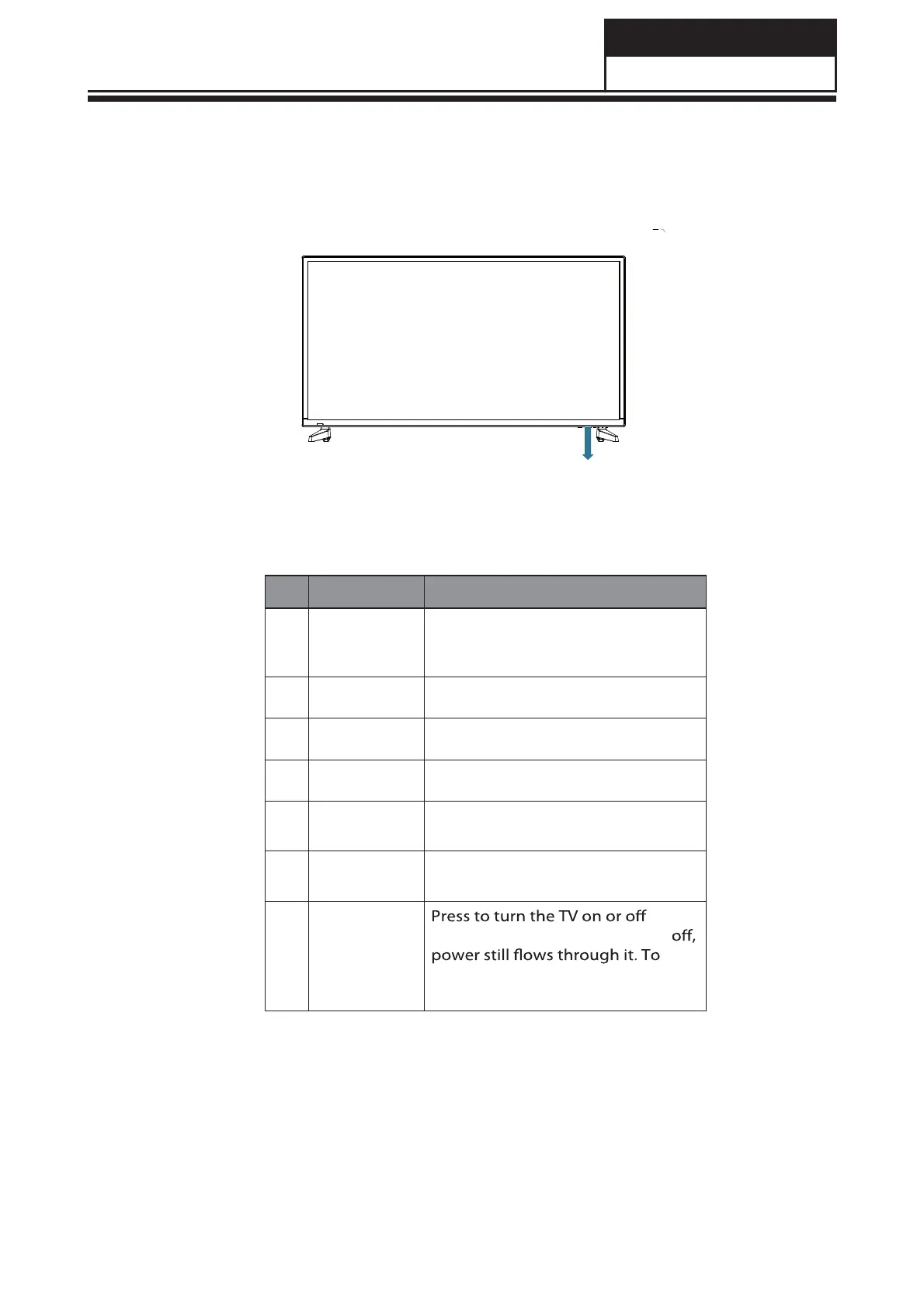
7-1 Side Control
# Item Description
1
INPUT
INPUT
Press to select the input source.
Press the VOL+ button to change to
the selected input source.
2
MENU
MENUVOL+VOL-CH+CH-POWER
Press to open or close the on-screen
menu.
3
VOL+ Press to increase the volume level.
4
VOL-
Press to decrease the volume level.
5
CH+
Press to go to the next channel in
the channel list.
6
CH-
Press to go to
the
previous channel
in the channel list.
7 POWER
(standby mode). When the TV is
completely disconnect power,
unplug the power cord.


 To Next Page