2. Audio menu
Description
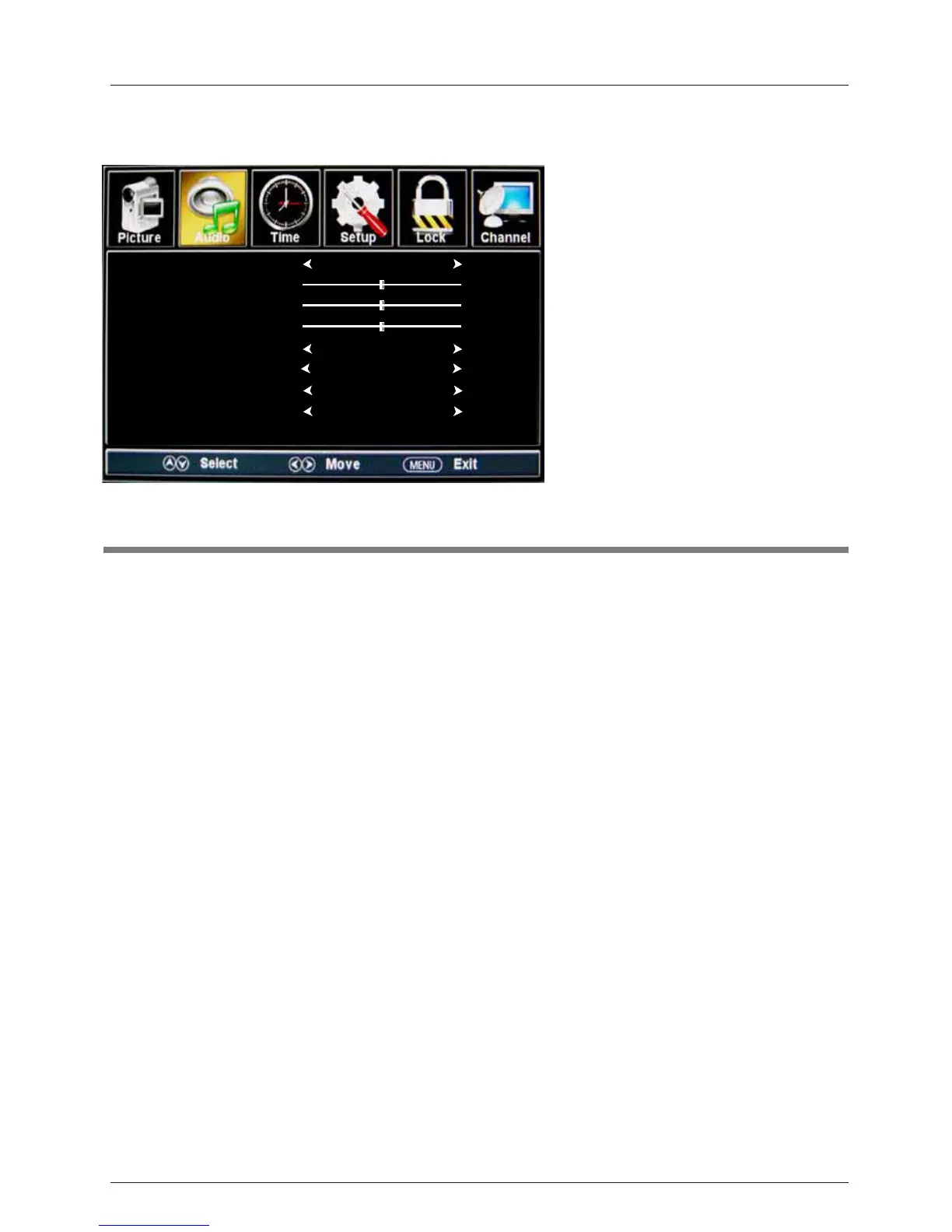
OSD Menu
Sound Mode: Select your desired picture mode as follow: Standard, Music, Theater and Custom.
Bass: Adjust the bass (low frequency audio).
Treble: Adjust the treble (high frequency audio).
Balance: Left and right stereo audio channels balance.
Surround: Activate or deactivate the surround sound function.
SPDIF Type: Select SPDIF type: PCM or RAW.
Audio Language: Select the audio language.
Sound Mode
Bass
Treble
Balance
Surround
SPDIF Type
Audio Language
Standard
English
50
50
50
Off
PCM
16
Auto Volume Leveler
On
AVL:
Auto volume level control.



 To Next Page