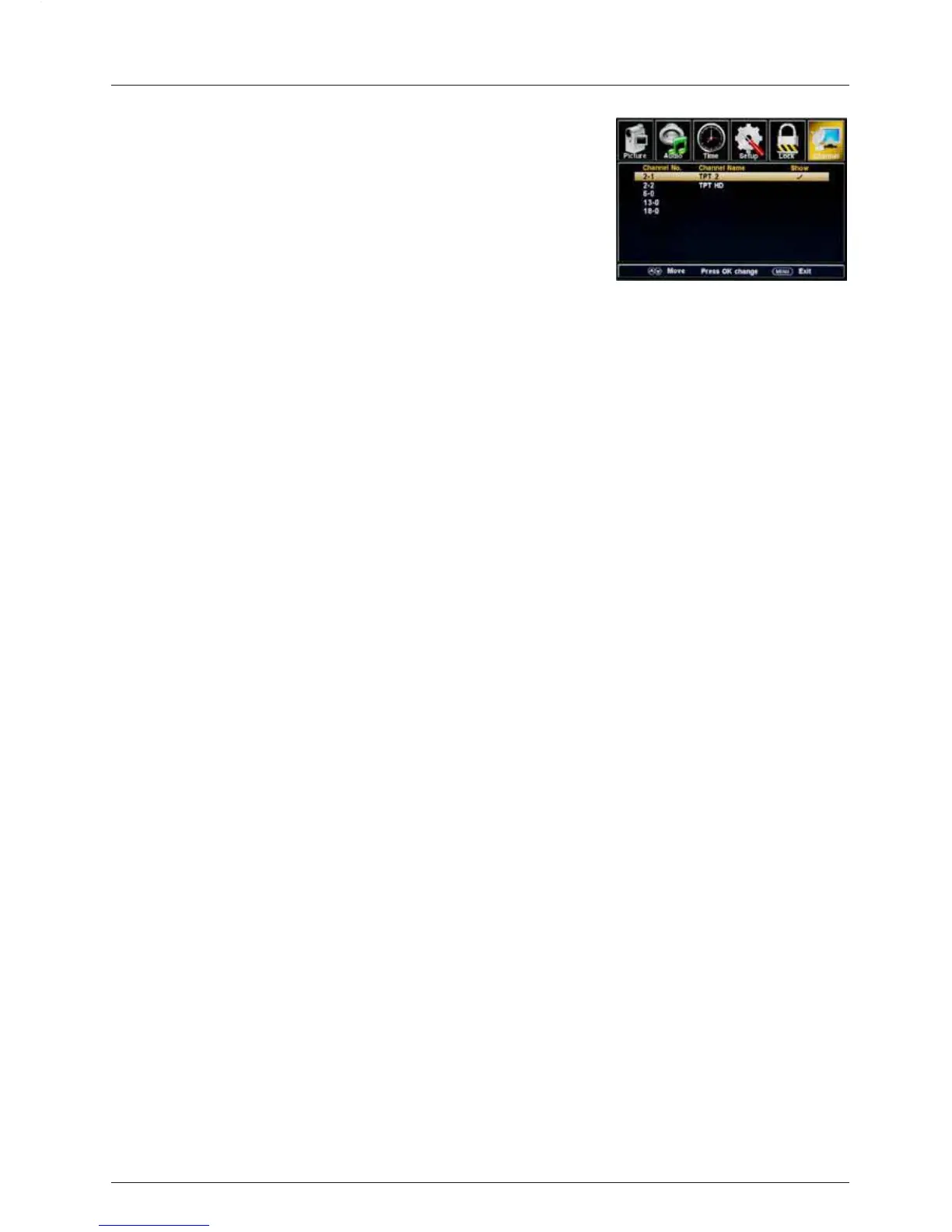
Show/Hide: Allow you to show or hide the channels.
Use the
Ĥ0ĥ
button to highlight the desired item, then press
the ENTER
button to show or hide the highlighted channel.
Channel No.: Show and select the channel.
Channel Label: Change the label (name) of a channel.
Press the
=!0!?!
button to select the position , and press the
Ĥ0ĥ
button to select the
letter.
DTV Signal: Shows the quality of the digital signal: Good, Normal, Bad.
OSD Menu
21



 To Next Page