APP STORE
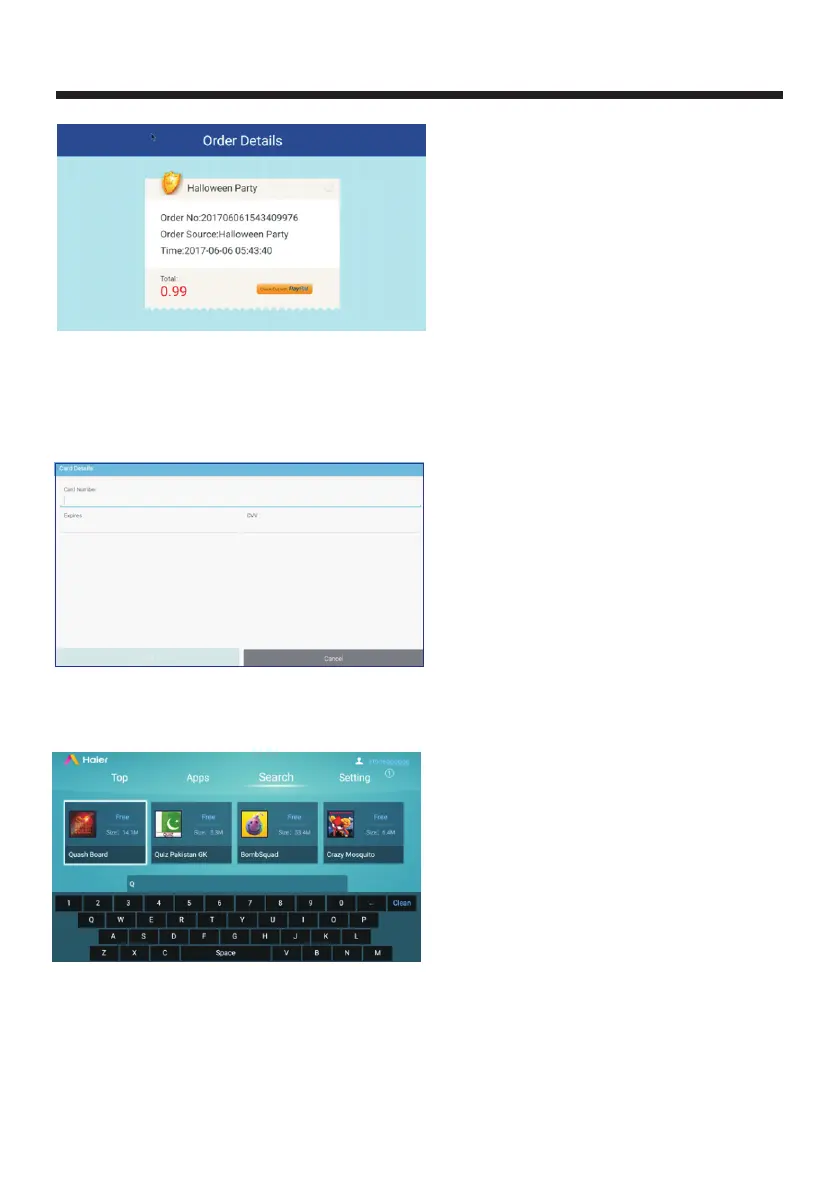
Use the remote control to select pay with card, then click OK will pop up another interface,
you need to enter card number, expires and cvv data information as shown below:
Enter info and then click done to next page to finish payment process, after that to process
download, install and open app.
6.Search
Use the remote controller to move the cursor to Search interface, enter keyword in search bar,
will result in list keyword-related apps and display recommend contents.
7 Setting
Use the remote controller to focus on Setting button will show app store settings interface, you
can check Account, Download Management, Update and Uninstall as screenshot:
.
-31-



 To Next Page