3
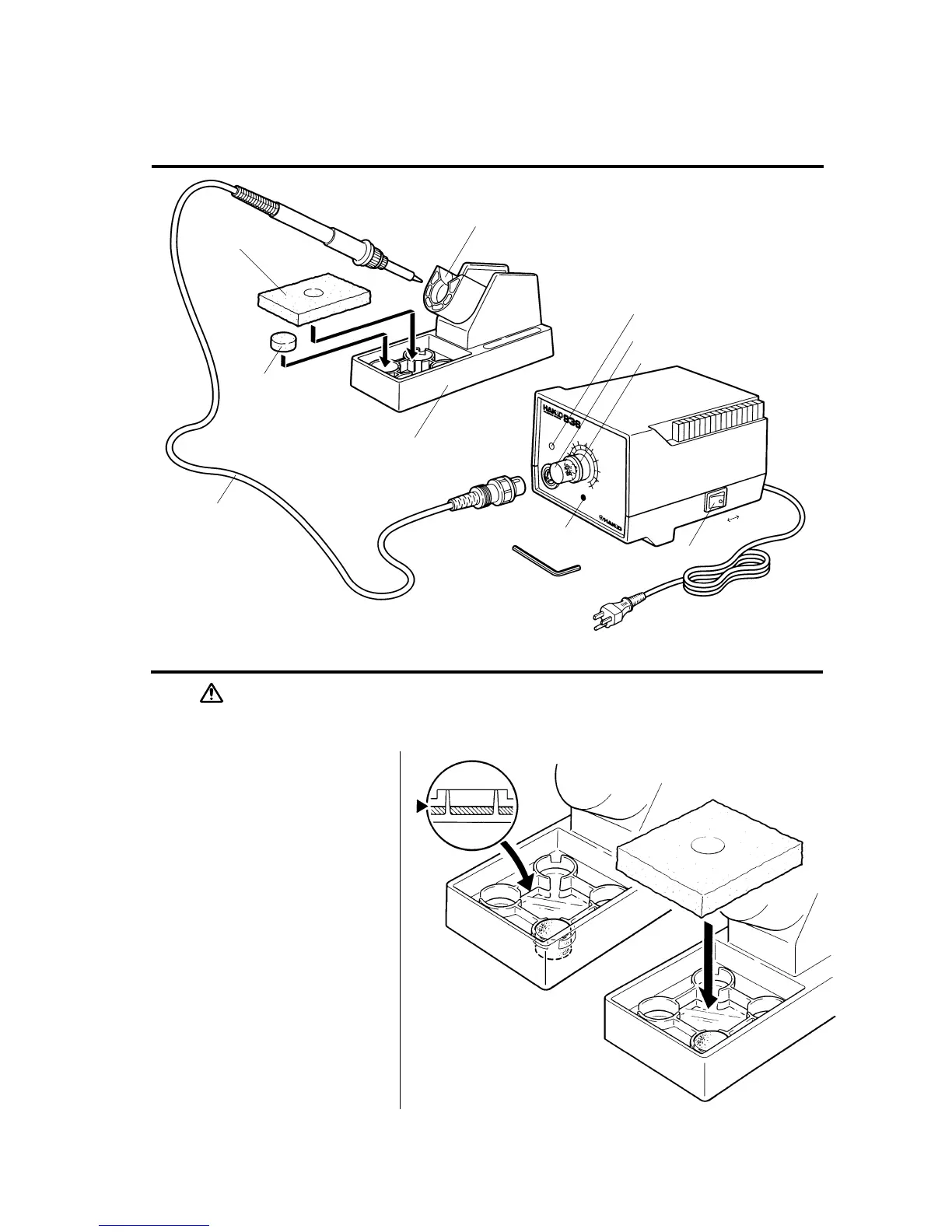
CAUTION:The sponge is compressed. It will swell when moistened with water.
Before using the unit, dampen the sponge with the water and squeeze it dry.
Failure to do so may result in damage to the soldering tip.
Names of Parts
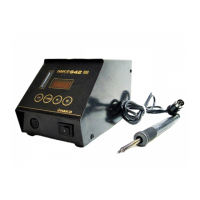
Setting up & Operating the HAKKO 936
Large Cleaning
Sponge
Small Cleaning
Sponge
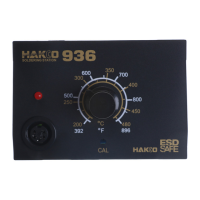
LED Heater Lamp
Temp. Control Knob
CAL Pot Plug/Calibrator
Hex Wrench
Power Switch
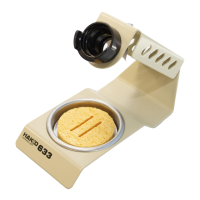
A. Iron Holder
1. Small Cleaning Sponge
Dampen the small cleaning
sponge with water and then
squeeze it dry.
Place it in one of the 4 openings
of the iron holder base.
2. Add water to approximately the
level as shown. The small sponge
will absorb water to keep the
larger sponge above it wet at all
times.
* The large sponge may be used alone
(w/o small sponge & water).
3. Dampen the large cleaning
sponge and place it on the iron
holder base.
Note:The iron receptacles for the 900(S) and
the 907/908 soldering irons are different.
Be sure to use the proper one for each
type of soldering iron.
(Refer to Parts List).
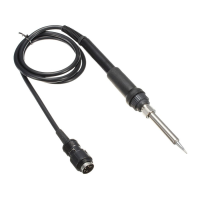
Cord Assembly
Iron Holder Base
Knob Mount
Iron Receptacle
OFF ON









 To Next Page