25
● Preset ID
1.
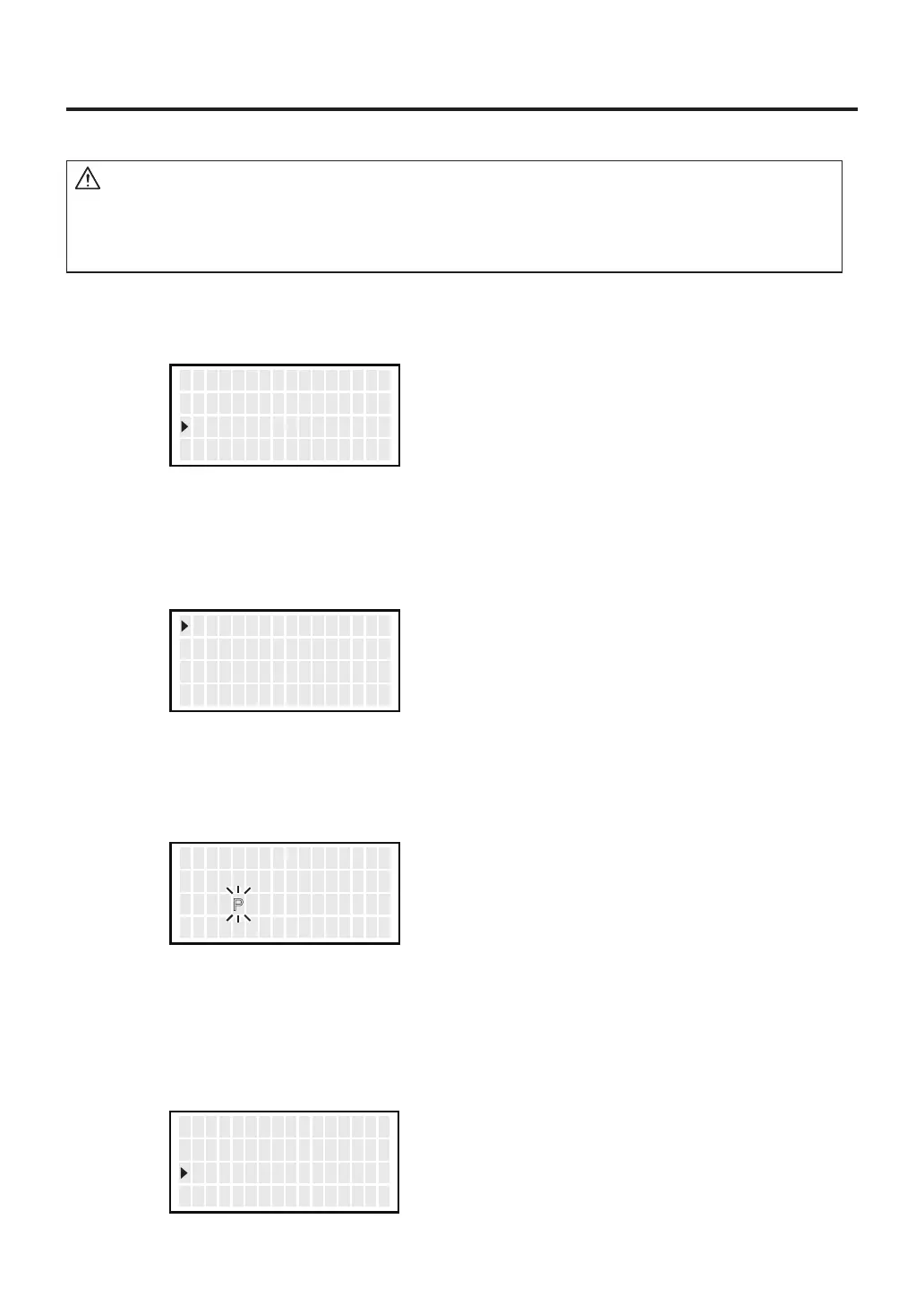
Move the cursor to select “Preset ID”. After selecting, press <ENT>.
2.
Move up and down the cursor with the control buttons.
After selecting, press <ENT>.
3. Press the <↑> or <↓> to set the desired letters.
4. To exit from setting screen, scroll the screen, select <EXIT>, and press the
<ENT> button.
CAUTION
As a preset ID, 1 to 8 characters can be used.
Usable characters are “A-Z,” “0-9,” and space (“ ”). Entering a space makes your
entry terminated. Any character(s) that follows the space is deleted.
<↑> <↓> <ENT>
V acuum Check
P r ese t T emp
P r ese t I D
<↑> <↓> <ENT>
P1 I D SET
RESET1
<↑> <↓> <ENT>
P1 I D PRESET1
P2 I D PRESET2
P3 I D PRESET3
<↑> <↓> <ENT>
P2 I D PRESET2
P3 I D PRESET3
<EXIT>



 To Next Page