27
14.
PARAMETER SETTINGS (Desoldering Tool)
Parameter name
Temp Mode
ShutOff Set
Timer**
Vacuum Mode
Vacuum Time
***
Auto Sleep
Timer**
Sleep Temp
Low Temp
Error Alarm
Ready Alarm
Pass. Lock
Password****
Initial Reset
Initialvalue
℃
(℉*)
OFF
30 min
Normal
1sec
ON
6 min
200℃ (390℉)
150℃ (270℉)
ON
ON
OFF
-
Value
℃ / ℉
OFF / ON
30 ~ 60 min
Normal / Timer
1〜5sec
OFF / ON
1 ~ 29min
200 ~ 300℃
(390 ~ 570 ℉)
30 ~ 150℃ (54 ~ 270℉)
ON / OFF
ON / OFF
ON (Lock / Partial) / OFF (unlock)
“ABCDEF”
Select three letters
℃ / ℉ / Cancel
● PARAMETER SETTINGS
Press and hold any one of the three control buttons, and turn on the power switch to
display the parameter setting screen. The following parameters can be set:
* For USA.
** Auto-shutOff Time can be set when Auto-ShutOff is set to ON.
***
Vacuum Time is displayed when Vacuum Mode is set to "Timer."
****Password is displayed when Password Lock is set to "ON" or "Partial."
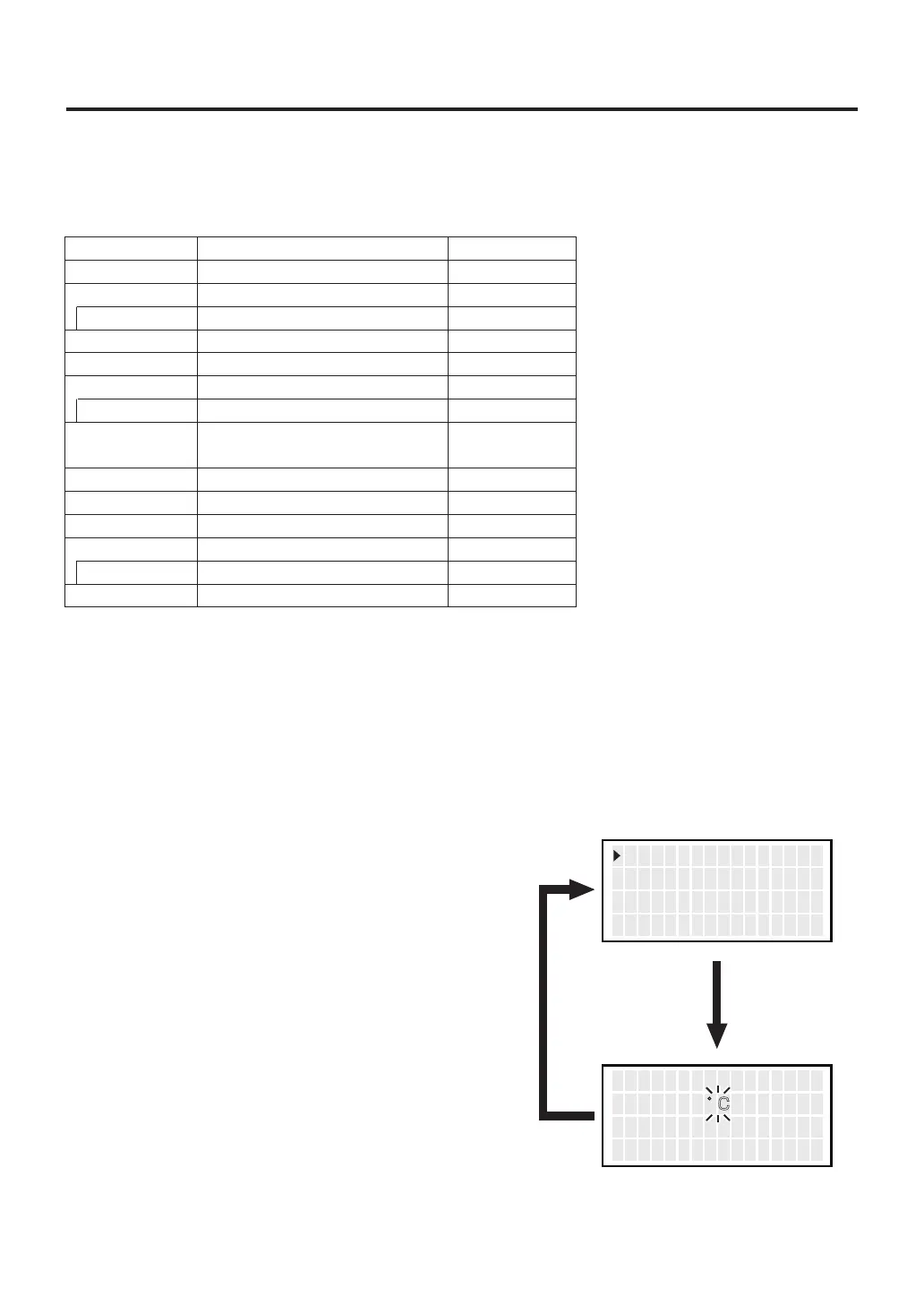
● Temp Mode
1.
Move the cursor to select “Temp Mode”.
After selecting, press <ENT>.
The displayed temperature can be switched between Celsius and Fahrenheit.
2. ℃ and ℉ will be switched alternately
if you press the <↑> or <↓> button.
3. Return to parameter setting display
if you press the <ENT> button after
setting.
<↑> <↓> <ENT>
T emp M o d e
S h u t O f f S e t
V acuum M o d e
゚ C
OFF
NOR
<↑> <↓> <ENT>
T emp M o d e S e t
゚ F



 To Next Page