11
How to take measurements with HALO
HALO uses a new concept to standardise joint measurement. Using digital
technologies, HALO delivers a new level of accuracy and standardisation to
joint range measurements.
If your HALO is not on, turn it on by pressing and holding Button 2 for two
seconds. Then follow The 3-Step overview process to take a measurement.
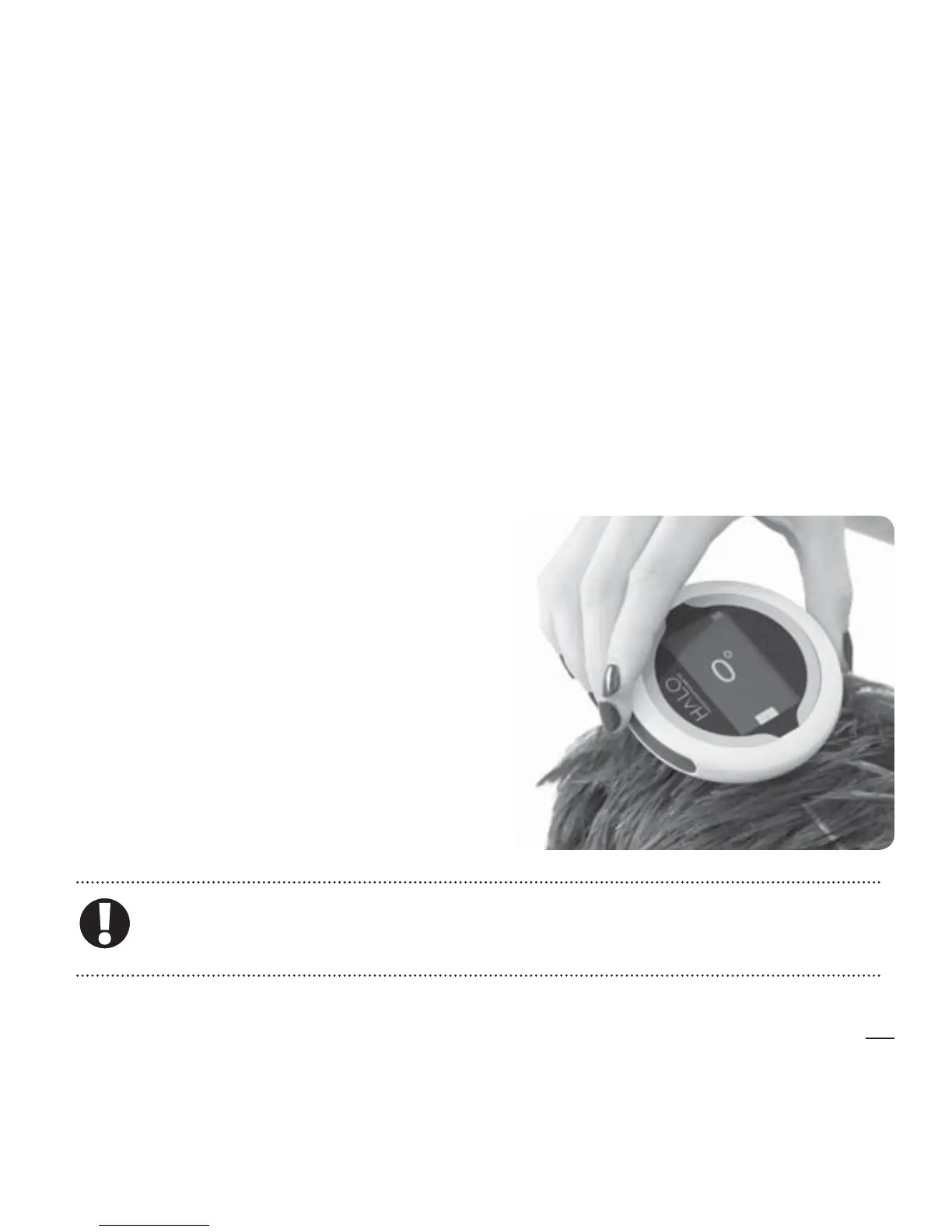
Holding the HALO
The HALO Digital Goniometer is
designed to be used one-handed,
leaving your other hand free to
support the patient’s limb. With
the display facing you, curve your
hand around the HALO with your
ngers resting on Buttons 1 or 2,
whichever is most comfortable.
Only activate the lasers when the device is close to the limb to
be measured.


 To Next Page