12
The 3-Step overview
21
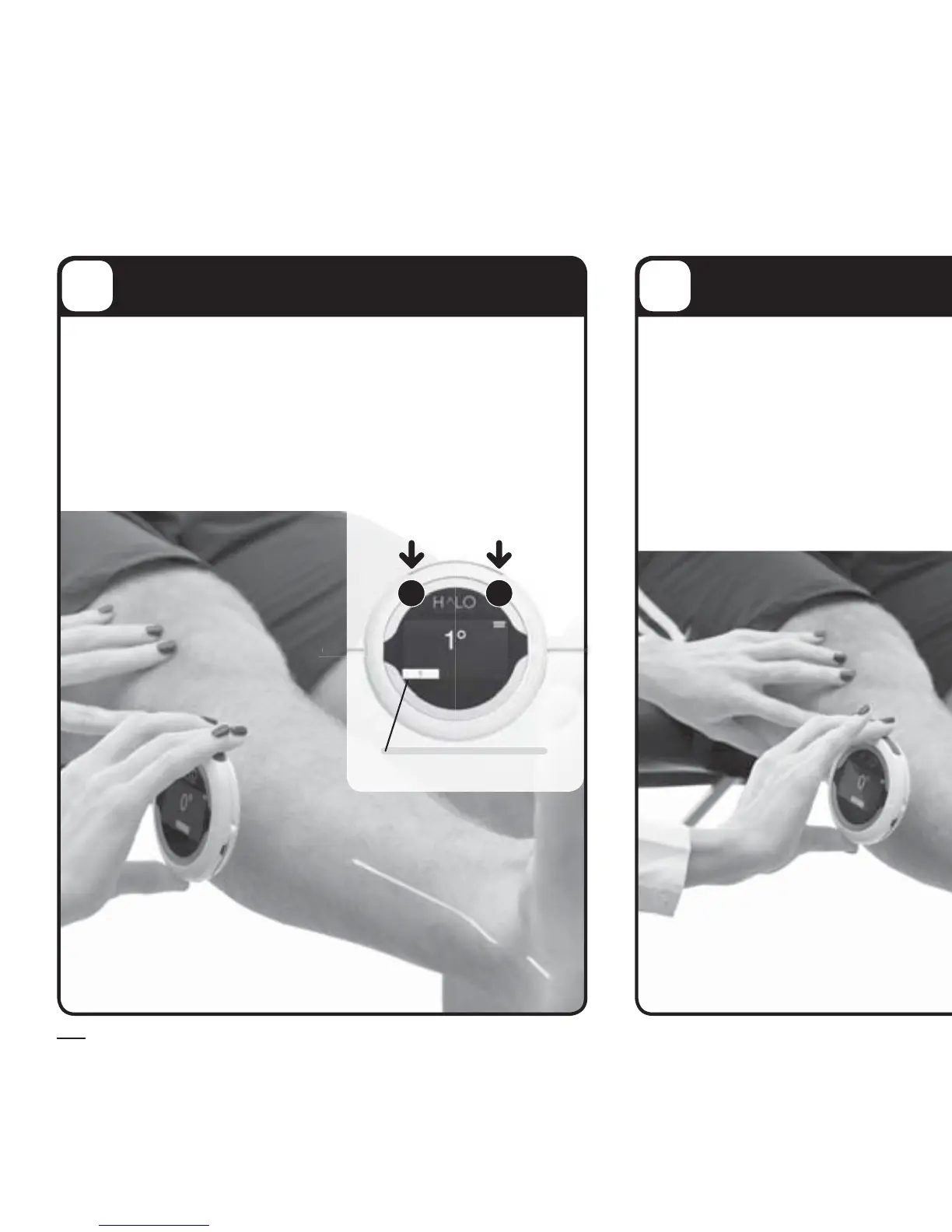
Activate the lasers Zero HALO
21
LASERS ON
or
Once the HALO is over the limb to be
measured, click any operating button to
activate the lasers. The lasers are used to line
up the bony landmarks as you normally would
with a manual goniometer.
Step Indicator 1
Once HALO’s lasers
are aligned over
a bony landmark,
click any operating
button to zero the
HALO.



 To Next Page