22
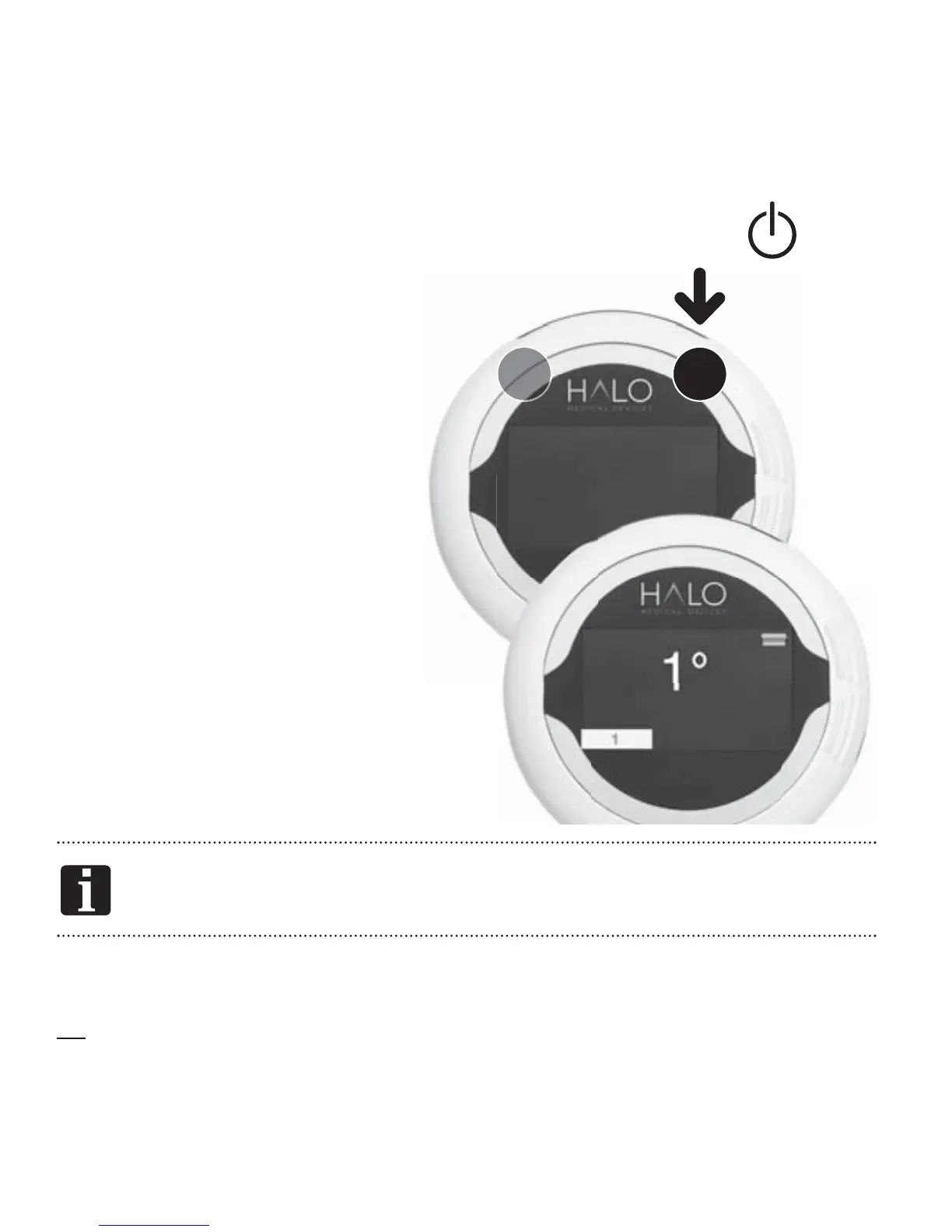
Resetting the HALO
On rare occasions, the device
may need to be reset. If the
device does not appear to
be operating normally, hold
Button2
down for 15seconds.
The HALO welcome logo will
appear followed by the screen
displaying a readout in degrees.
The Unit should now return to
MEASURE MODE.
21
15 SECS
RESET
If you are still having problems, contact your agent or sales
outlet.
See the Learn HALO section of the HALO Medical Devices website for
tutorials and video demonstrations, or call the HALO Help Line.
READY


 To Next Page