27
Diagnostics
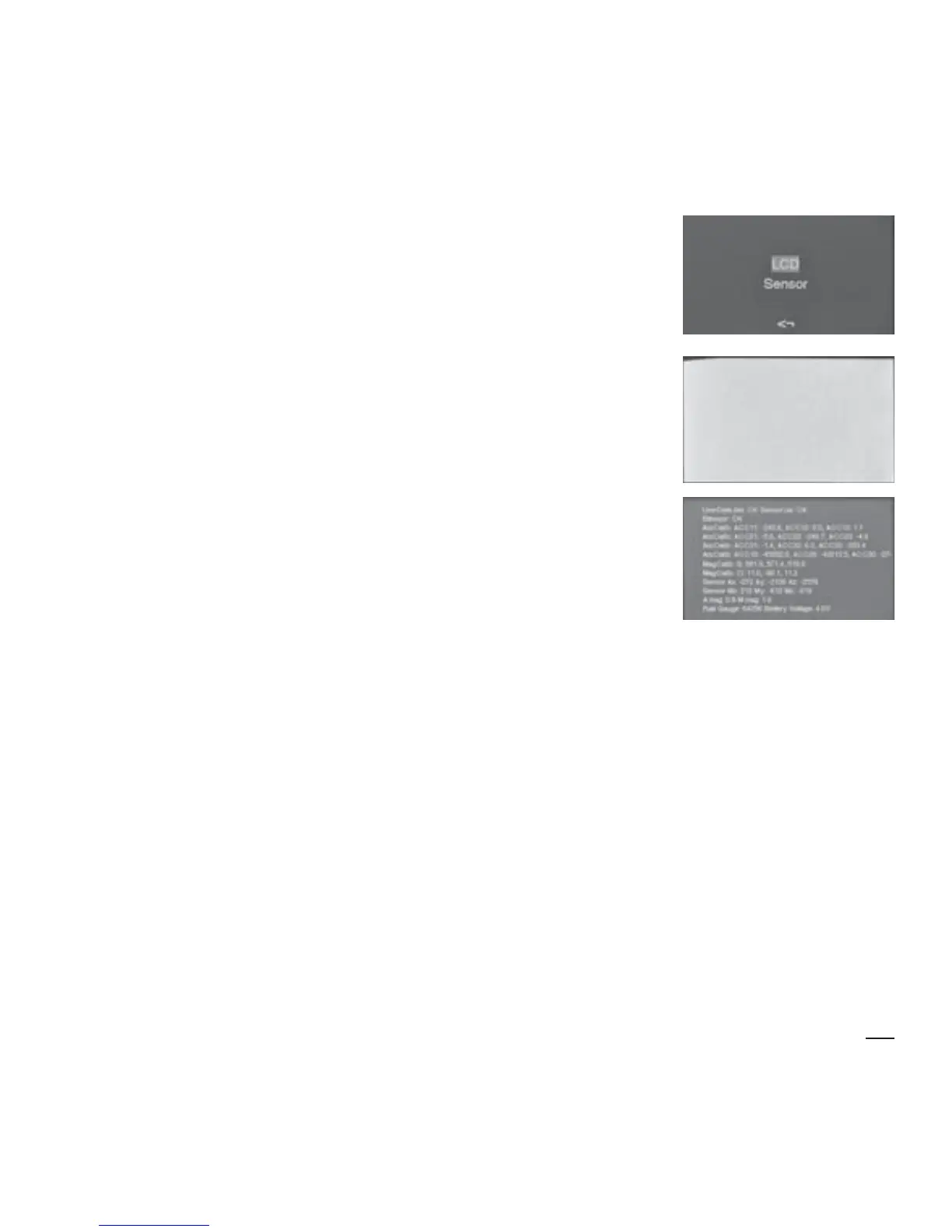
There are two options in this list:
• LCD
• Sensor
LCD
The LCD setting is used to check that all pixels in
the display screen are functioning.
Choose this
option to test the LCD display.
Sensor
The Sensor setting is used to establish that
the internal magnetometer and accelerometer functions are operating
correctly. A stream of diagnostic data is displayed. This information can be
interpreted with the aid of a HALO Medical Devices Help Line assistant or
the HALO Medical Devices website.
To move between options, scroll down with Button 2, up with Button 1.
Select an option by pressing both buttons together.
To return to the main menu list, press Buttons 1 and 2 together.
Exit the menu
To exit from the menu, hold down Button 1 for four seconds. This returns
you to MEASURE MODE.


 To Next Page