15
The device will calculate the angular di erence between position one and
position two and display the result in degrees.
Measurement methods
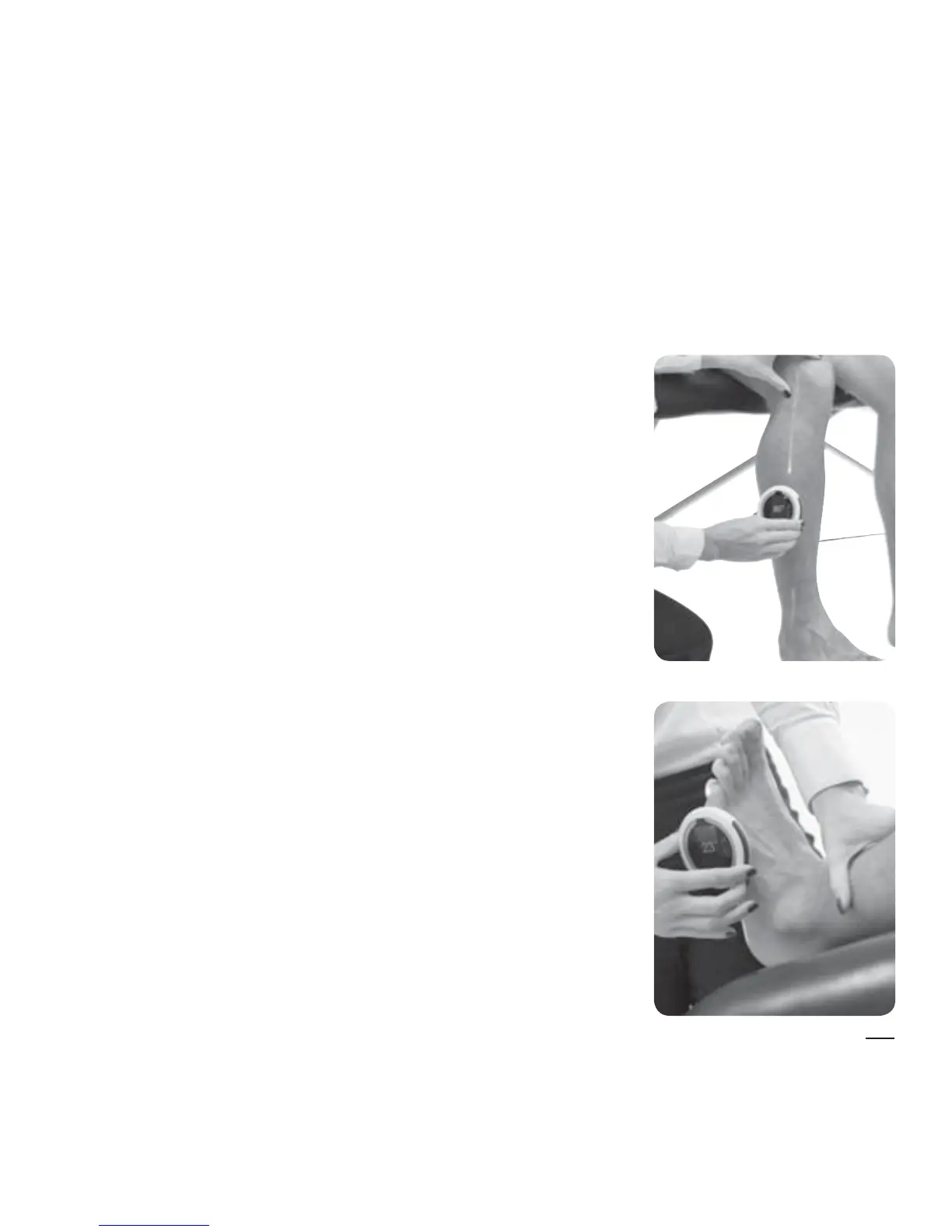
HALO can be used in two ways to obtain a
measurement.
Method 1: For example, measuring knee
exion
First, hold the HALO over the middle of the limb
above the joint you are measuring (proximal
segment). After setting the zero point (Step 2),
move the HALO over the middle of the limb
below the joint you are measuring (distal
segment). Complete Step 3 to display your result.
Method 2: For example, measuring ankle
dorsi exion or plantar exion
Hold the HALO over the middle of the limb below
the joint you are measuring (distal segment) and
zero the HALO (Step 2). Move the HALO with the
limb to where the patient’s joint range ends.
Complete Step 3 to display your result.
This is the normal (default) operating mode.


 To Next Page