24
Choosing a menu item
Options
When the main menu list is
displayed, the following options
appear:
• PE Cell – allows you to activate
or deactivate STANDBY MODE.
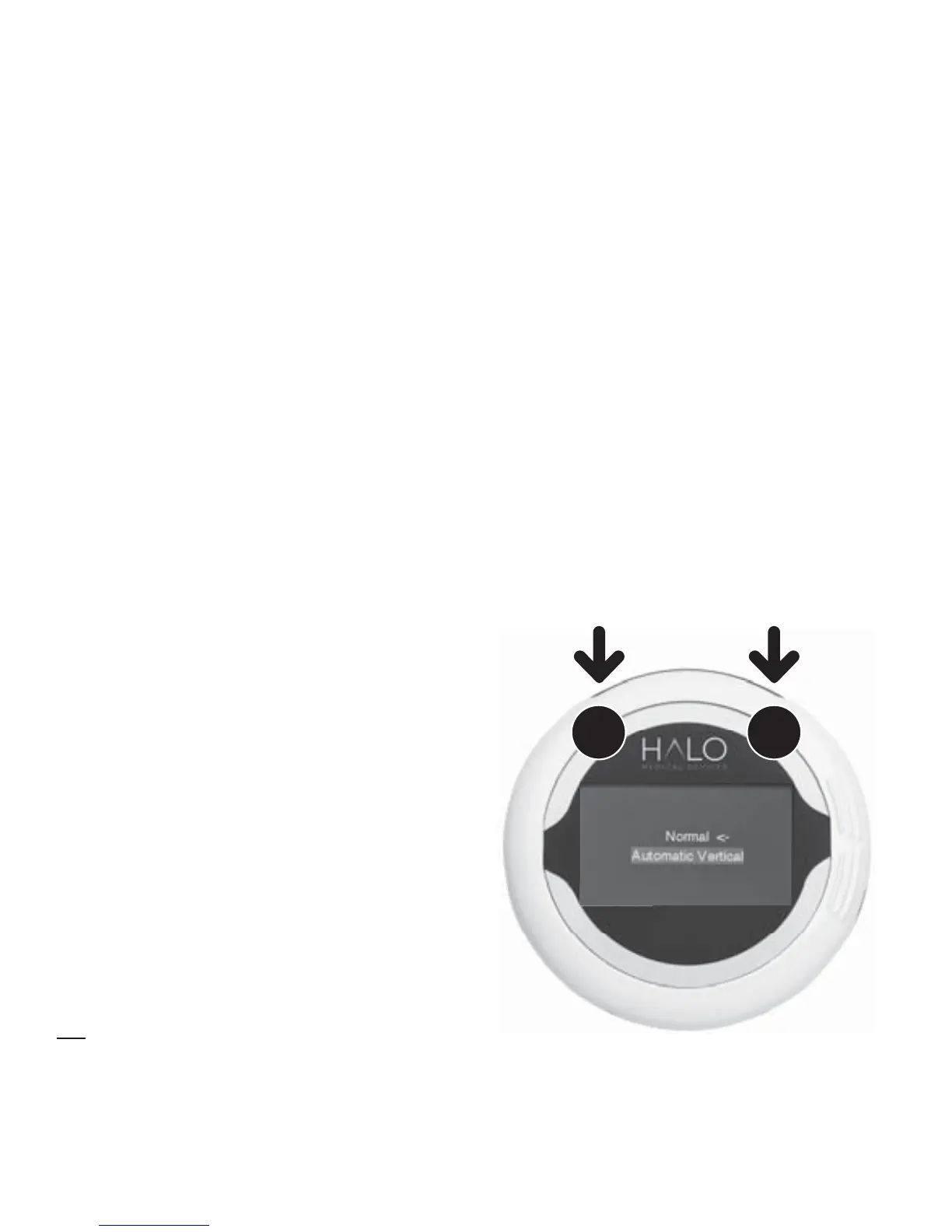
• Mode – allows you to
choose between Normal and
Automatic Vertical modes.
• Diagnostics – allows you to
test the LCD display and show
technical troubleshooting
information.
• About – shows information
about the serial number and
software version of your device.
21
SELECT
together
Navigation
Navigate to the option of your
choice using the buttons to move
up or down.
To choose a menu item, press
Button 1 and 2 together. To return
to the main menu list, press
Buttons 1 and 2 at the same time.



 To Next Page