ADMINISTRATOR MANUAL
32
PAGE
Factory Reset
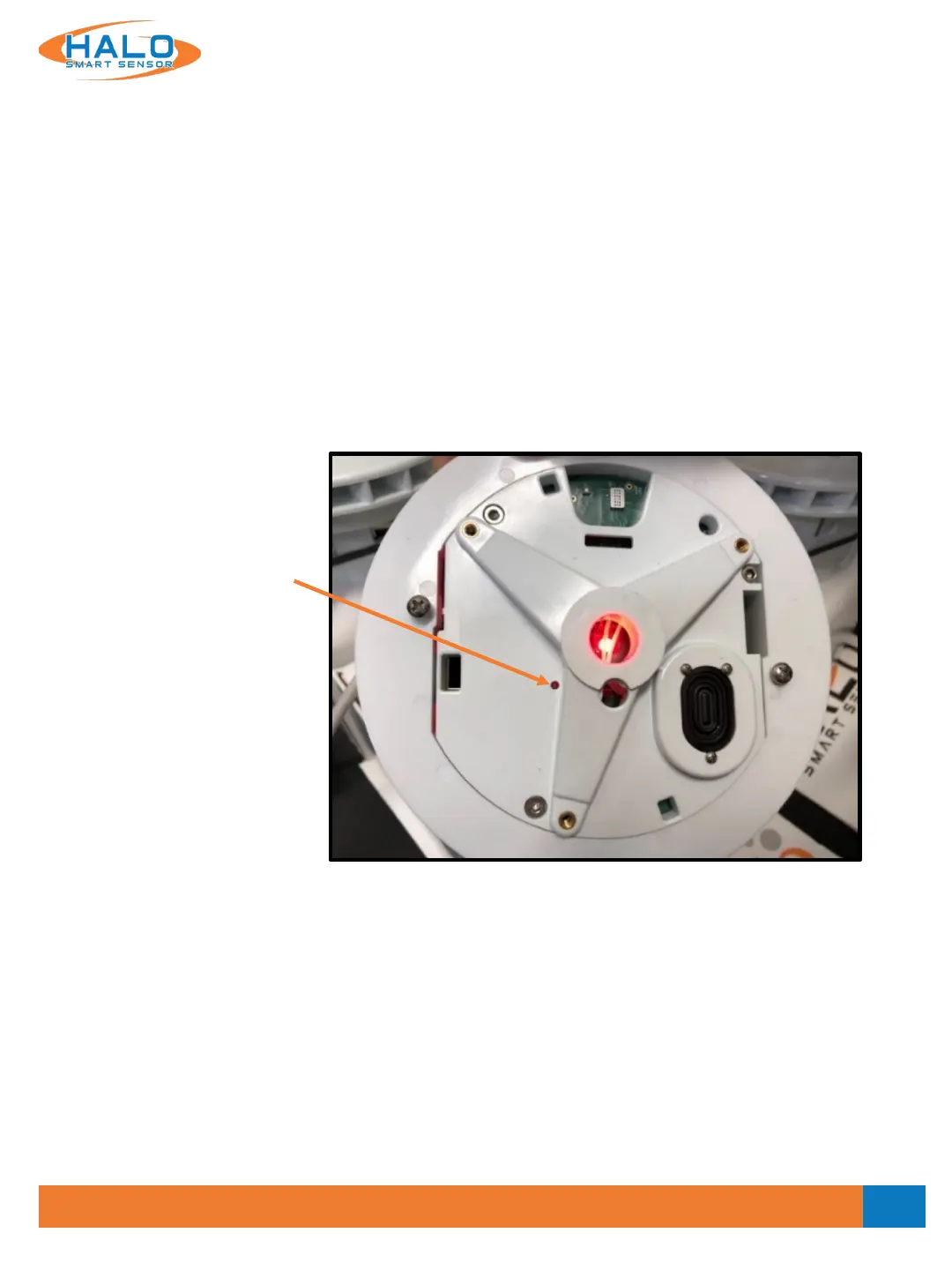
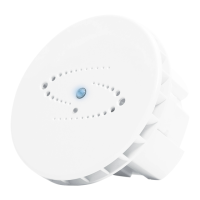
HALO Smart Sensor includes a hard-reset button that can revert the settings to the Factory Defaults. Please
note that the outer cover of the HALO Smart Sensor must be removed to expose the reset button.
• After device has been on for more than 30 seconds, use a paperclip or micro screwdriver to engage button.
• Press and hold the button until the LED turns violet to remove all users and reboot.
• Press and hold the button until the LED turns green to remove all users, switch to DHCP and reboot.
• Press and hold the button until the LED turns red to remove all users, switch to DHCP, clear all
configuration files and reboot.
Variable
Reset Button
V2.2 - 9/09/2020


 To Next Page