25
HandyTrac Touch
User Guide
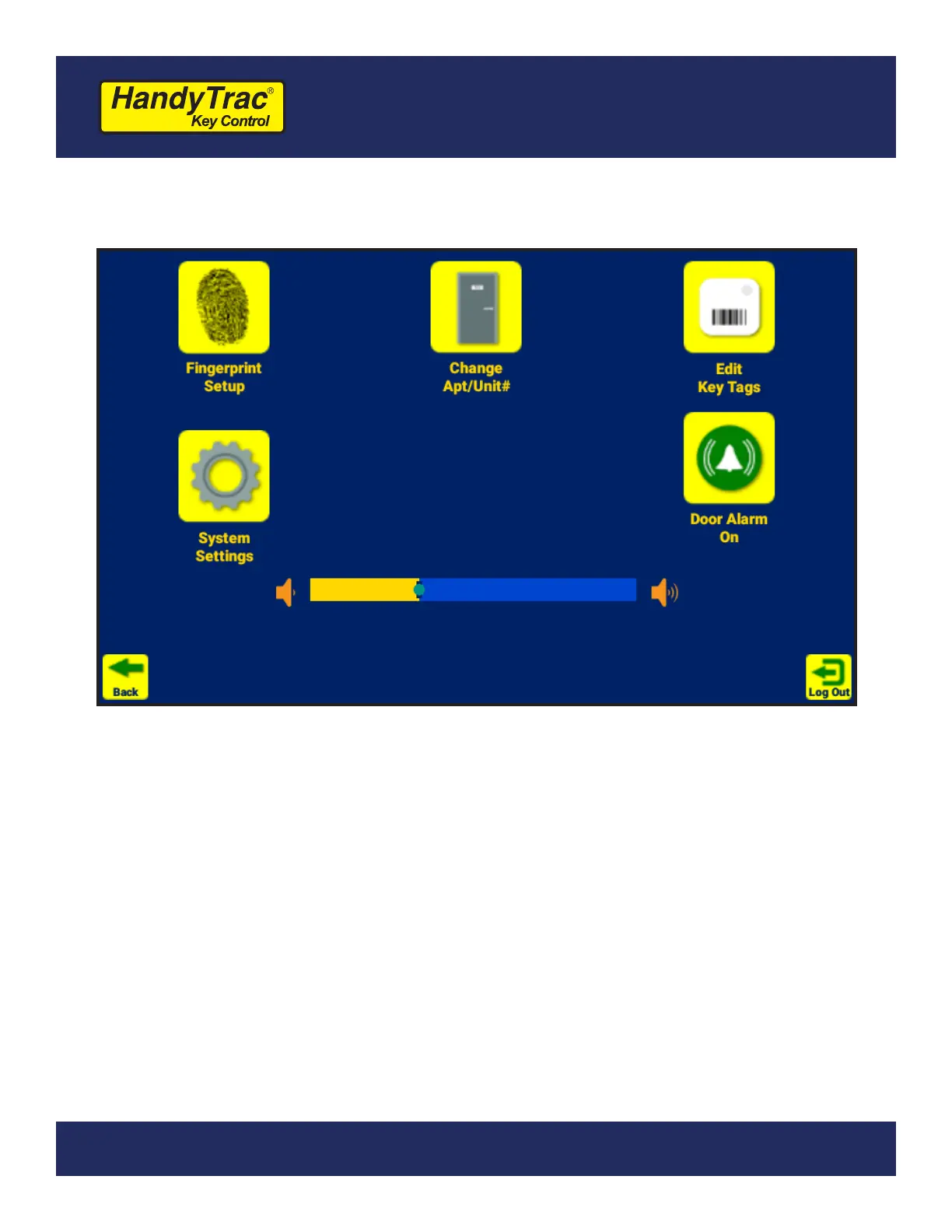
Administration Menu
(Master Access is required)
The Administration Menu, located in the top-right corner of the touch screen after
logging in to the system, includes system functions and advanced settings.
You can directly modify the following settings:
1. Door Alarm - Toggle the open Door Alarm on or off.
2. System Volume - Change the overall system volume.
Additional administrative functions are detailed on the following pages.
Fingerprint Setup is only available on HandyTrac Touch Premium systems.


 To Next Page