28
HandyTrac Touch
User Guide
Website Features
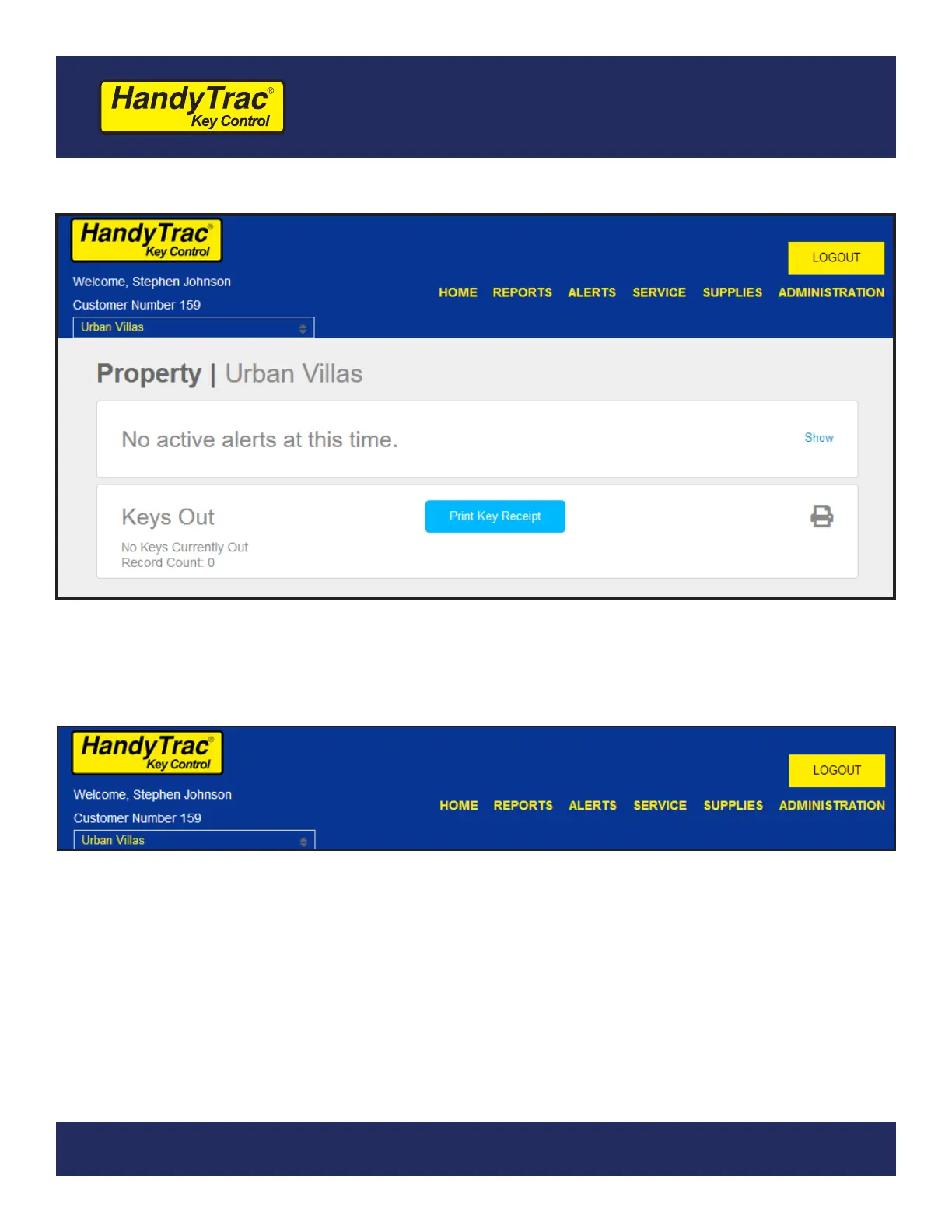
After logging in to the HandyTrac website with your credentials, you can manage all
aspects of your system including reports, alerts, and employees.
1. If your login includes access to multiple locations, you will see those locations available
in the property drop-down on the left side of the header.
2. The customer number for the property is always available when logged in if you need to
reference it when contacting support or placing a supplies order.
3. Reports, Alerts, Service, Supplies, and Administration are detailed on the following
pages.
The website features detailed in this guide are for users with full website permissions.
Website Menu
(1)
(2)
(3)


 To Next Page