25
Step 6
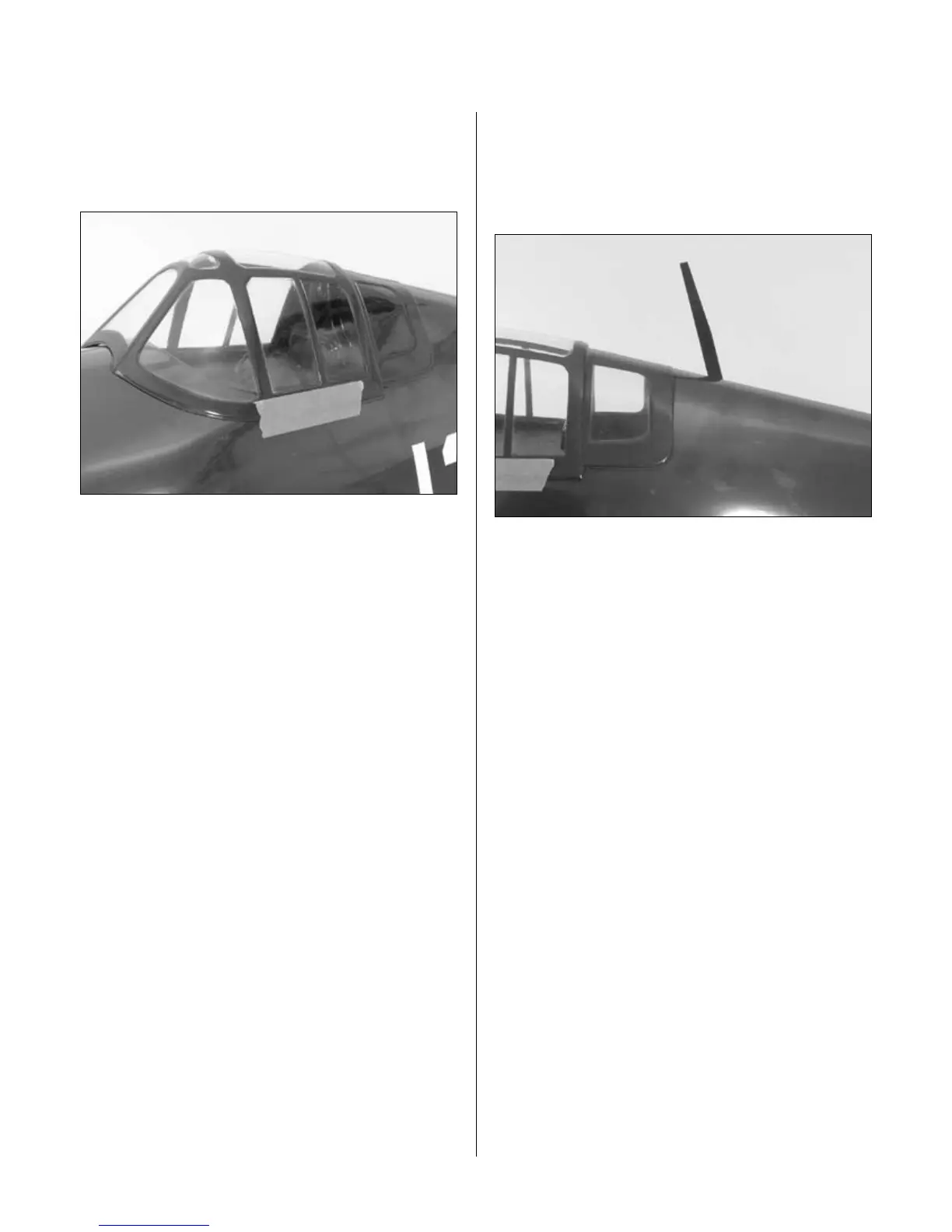
Apply a bead of Canopy Glue around the inside edge of
the canopy. Position the canopy onto the fuselage. Use
tape to hold the canopy secure until the glue fully cures.
Step 7
Apply the decals. Use the photos on the box to aid
in their location.
Step 8
Cut a small hole in the upper edge of the fuselage big
enough to install the radio mast. Remove at least 1/4"
of covering from the mast, and then insert it into the
hole. Use medium CA to secure the mast into position.
Note: The mast is optional. If you know
the mast will get bumped in transport,
you can opt to leave it off your model.
Section 5: Canopy and Decal Installation


 To Next Page