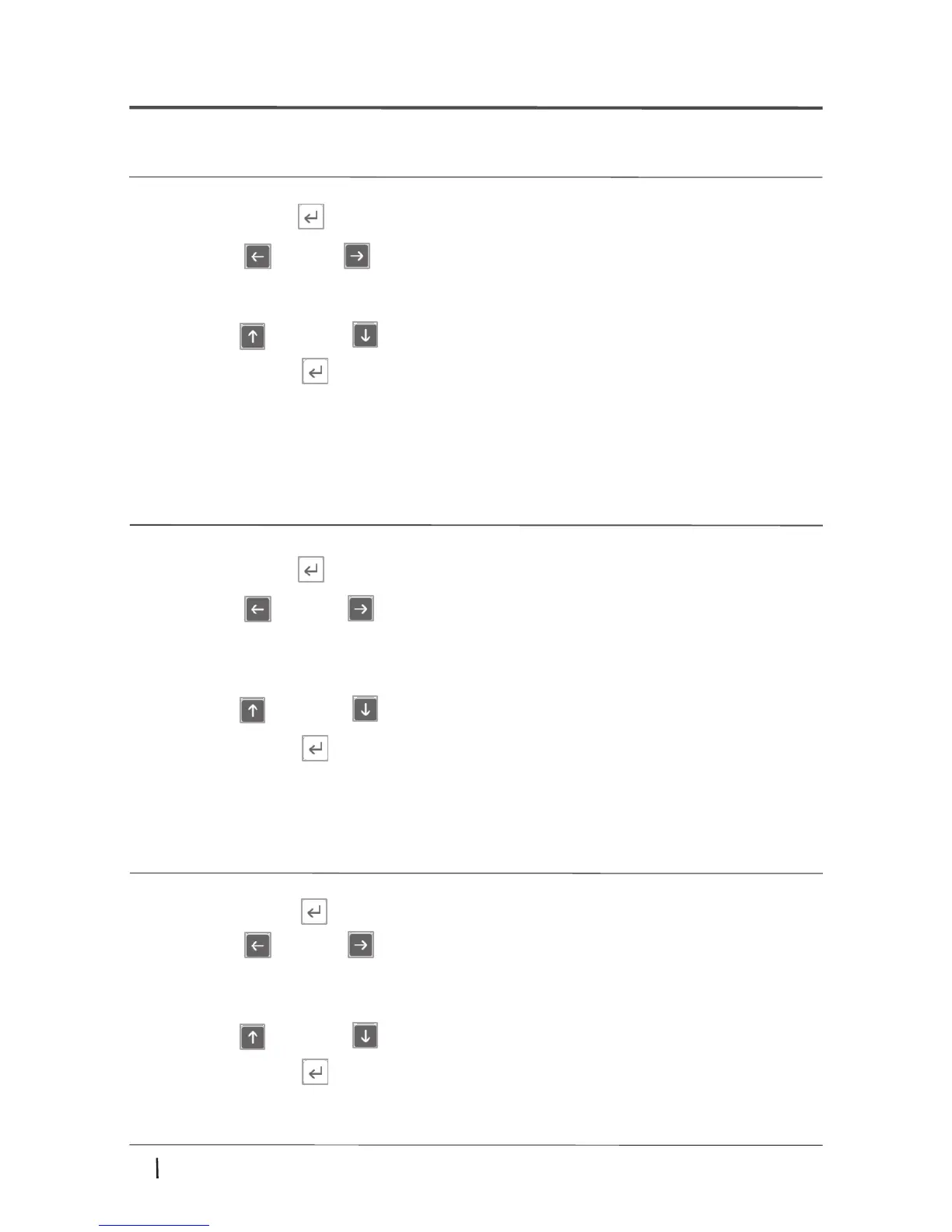
3. Press the up( ) or down ( ) buttons until the desired RPM/RCF is displayed.
2. Press the Left( ) or Right( ) button to select RPM mode or RCF mode.
4.6 Setting RPM/RCF
1.Press the Setup/Enter ( ) button.
▶RPM setting mode : RPM flashes on display
▶RCF setting mode : RCF flashes on display
4. Press the Setup/Enter ( ) button.
4.7 Setting Run Time
1.Press the Setup/Enter ( ) button.
▶Min. setting mode : 00' flashes on display
▶Sec. setting mode: 00'' flashes on display
2. Press the Left( ) or Right( ) button to select Time mode.
3. Press the up( ) or down ( ) buttons until the desired run time is displayed.
4. Press the Setup/Enter ( ) button.
13
www.ihanil.com
4. Operation
4.5 Setting Rotor Id.
2. Press the Left( ) or Right( ) button to select rotor Id. mode.
1.Press the Setup/Enter ( ) button.
▶Rotor Id. setting mode : Rotor flashes on display
3. Press the up( ) or down ( ) buttons until the desired rotor id displayed.
4. Press the Setup/Enter ( ) button.
▶ You can check the rotor Id. [7. Rotors]


 To Next Page