16
English
2
Setting up your TV
2.1 Basic Connections
2.1.1 Power Connection
1
Connect the power cord to the AC IN input jack on the rear of the TV.
2 Insert the plug at the other end of the power cord into a
power outlet
.
2.1.2 Connecting an Antenna or Cable TV
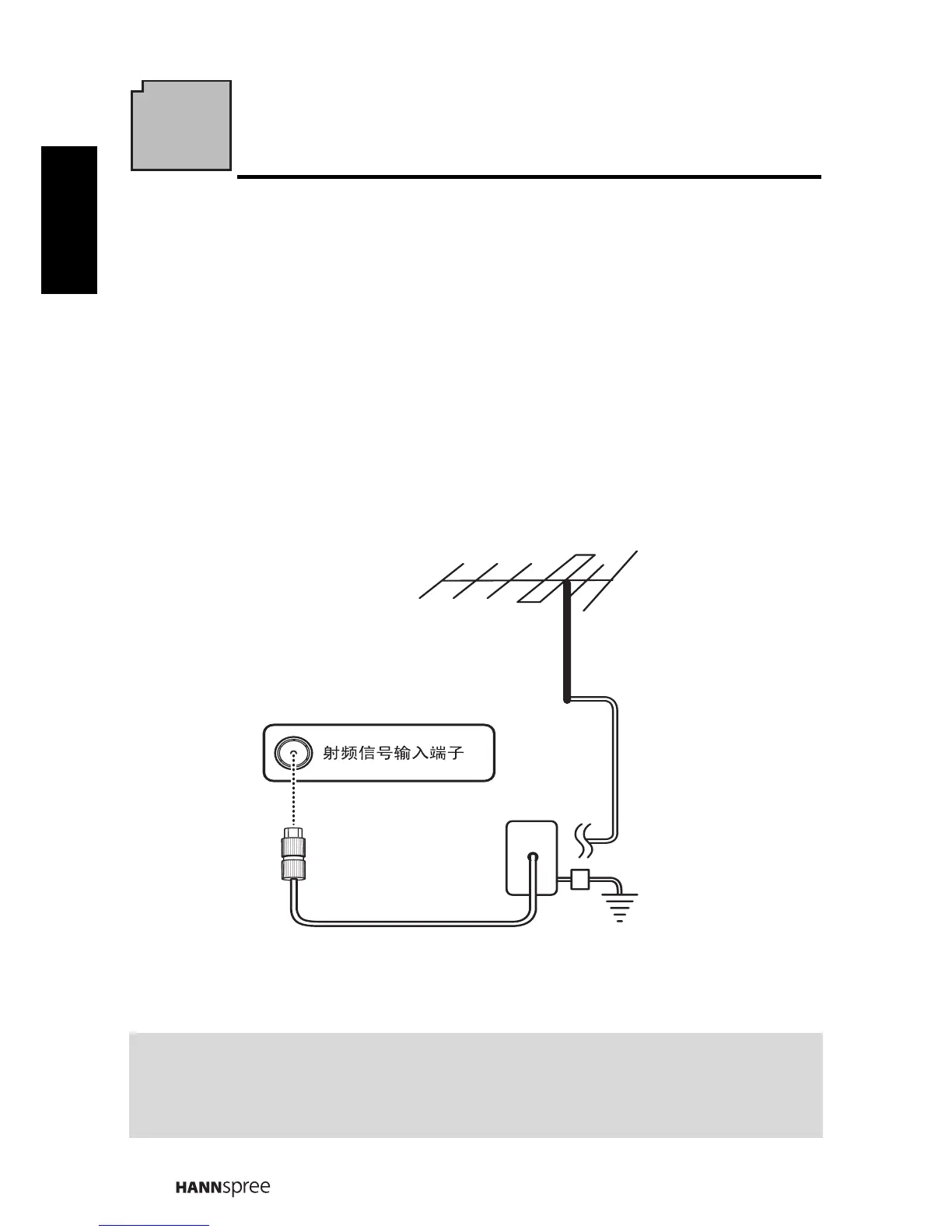
Connect one end of the VHF/UHF (Antenna) or CATV cable to TV jack on the rear
of the TV.
Note:
• Images are for illustration only and may vary by model or region.
• If you cannot receive channels after connecting to an antenna or cable TV line,
try scanning for channels.
Ground Clamp
Ground
Coaxial Cable
Antenna



 To Next Page